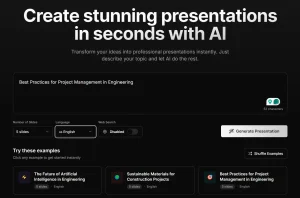
AI Slide Studio is a free AI presentation maker that helps marketers, educators, and business professionals generate professional and editable presentations.
You enter a topic and the AI then generates a high-quality 10-slide PowerPoint presentation complete with text and images in seconds.
I used it to create a presentation on “How to get started with AI.” After entering the topic, the AI generated 10 slides covering topics like AI basics, learning resources, and hands-on projects:
- Understanding AI Basics: This slide defined AI and its applications, exploring different types such as machine learning and deep learning. It also identified AI’s potential and limitations.
- Choosing Your Learning Path: This section listed resources like online courses, books, and degree programs, helping users find the right fit based on their needs.
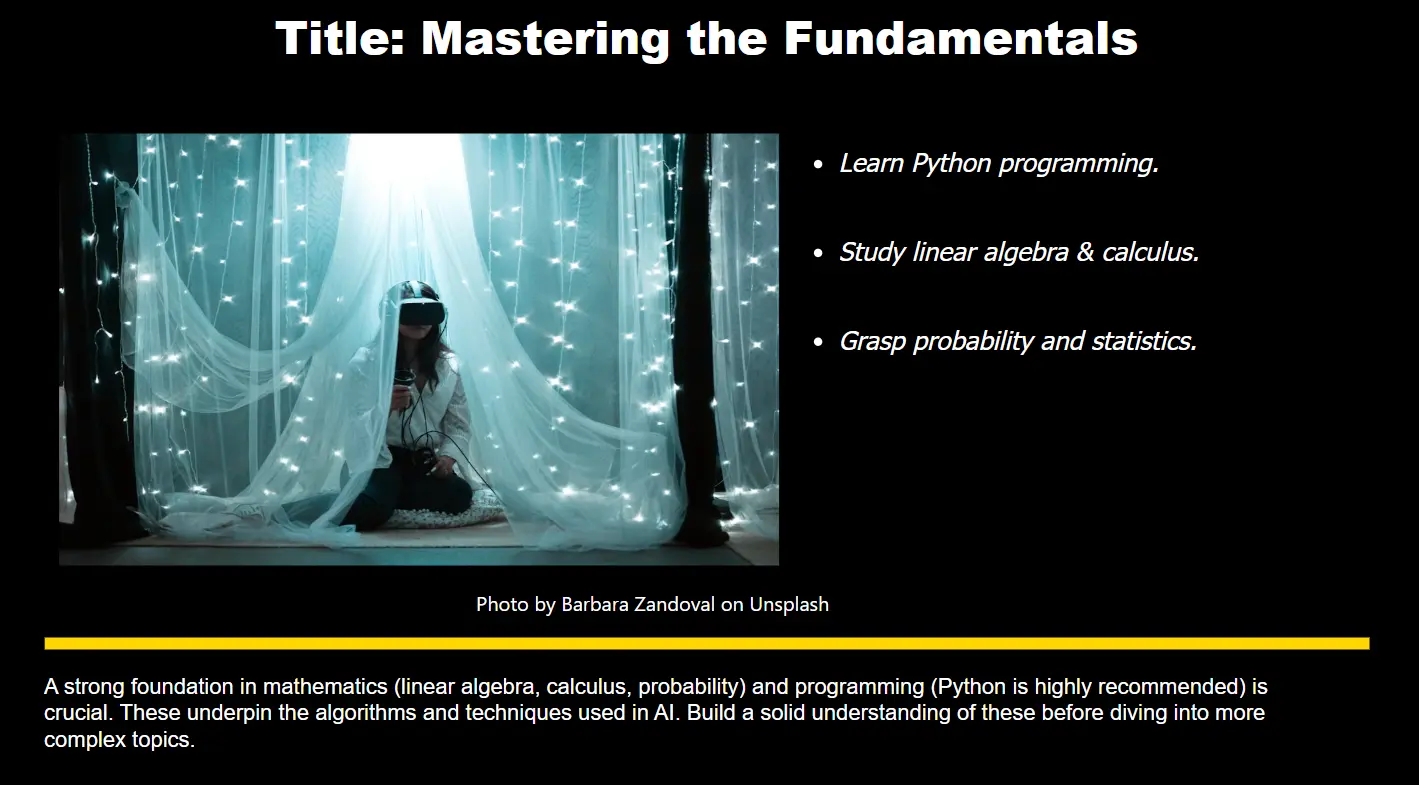
- Mastering the Fundamentals: This slide emphasized the importance of math (linear algebra, calculus, probability) and programming (Python).
- Exploring Machine Learning: It covered supervised, unsupervised, and reinforcement learning methods as subsets of AI.
- Deep Learning Introduction: It introduced neural networks, convolutional neural networks (CNNs), and recurrent neural networks (RNNs).
- Hands-on Projects: Your First AI: This slide suggested starting with simple projects like image classifiers or sentiment analyzers.
- Utilizing AI Tools and Libraries: It recommended using TensorFlow, PyTorch, and scikit-learn to make the development process smoother.
- Data Handling and Preprocessing: This section covered data cleaning, feature scaling, and visualization methods.
- Model Evaluation and Improvement: It discussed metrics like accuracy and precision, with tips on model iteration.
- Continuous Learning and Resources: This slide encouraged staying updated by reading research papers and participating in online communities.
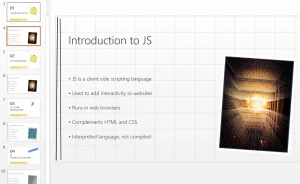
Each slide also featured a relevant image automatically fetched from Unsplash. The content was informative and structured logically.

Key Features
- AI-Powered Slide Generation: AI Slide Studio generates complete slide decks from a simple topic input.
- Rapid Presentation Creation: You get a full presentation in a matter of seconds or minutes.
- PowerPoint and Google Slides Integration: The tool creates presentations in the widely used .pptx format. Download and open your presentations in Microsoft PowerPoint or Google Slides for further refinement.
- Full Customization: You can adjust fonts, colors, and backgrounds to match your brand or personal style.
- Image Integration: The AI automatically sources relevant images from Unsplash, adding visual interest to your slides.
- Free Beta Access: You can use all features for free during the beta period. Generate unlimited presentations.
Use Cases
- Business Pitches: Create a draft presentation for a new product or service quickly. You can then focus your time on refining the content and delivery, rather than getting bogged down in slide design.
- Educational Lectures: Teachers and trainers can use AI Slide Studio to develop visually appealing course materials. This process allows educators to spend more time interacting with students and less time building presentations.
- Conference Presentations: Speakers often face tight deadlines. This AI tool can help you quickly build a presentation framework so you can focus on your content and practice.
- Marketing Materials: Create presentations for webinars, product demos, or social media content. AI Slide Studio gives you a great starting point for creating a variety of marketing assets.
- Internal Meetings: Build a quick presentation for a team meeting or project update.
How to Use AI Slide Studio
- Go to the AI Slide Studio website and type your presentation topic into the provided text box.
- Click the “Generate” button. The AI will create a 10-slide presentation based on your topic.
- Edit the text, change font colors, modify backgrounds, and apply themes to fit your preferences.
- Click the “Download” button to get your presentation in PowerPoint (.pptx) format.
- Open your presentation in PowerPoint or Google Slides to make any additional edits or adjustments.
Pros
- Zero cost
- Rapid presentation generation
- High customization options
- Professional-quality designs
- No design skills required
- Compatible with major presentation platforms
Cons
- Limited to 10 slides per presentation
- Limited advanced design options
Pricing
Currently 100% free during the beta testing phase.