Generate Notion-Style Line Art Avatars with AI – Caricature.life
Generate clean, minimalist, Notion-style avatars with free AI. No signup, no data tracking, no watermarks. Professional results in seconds.
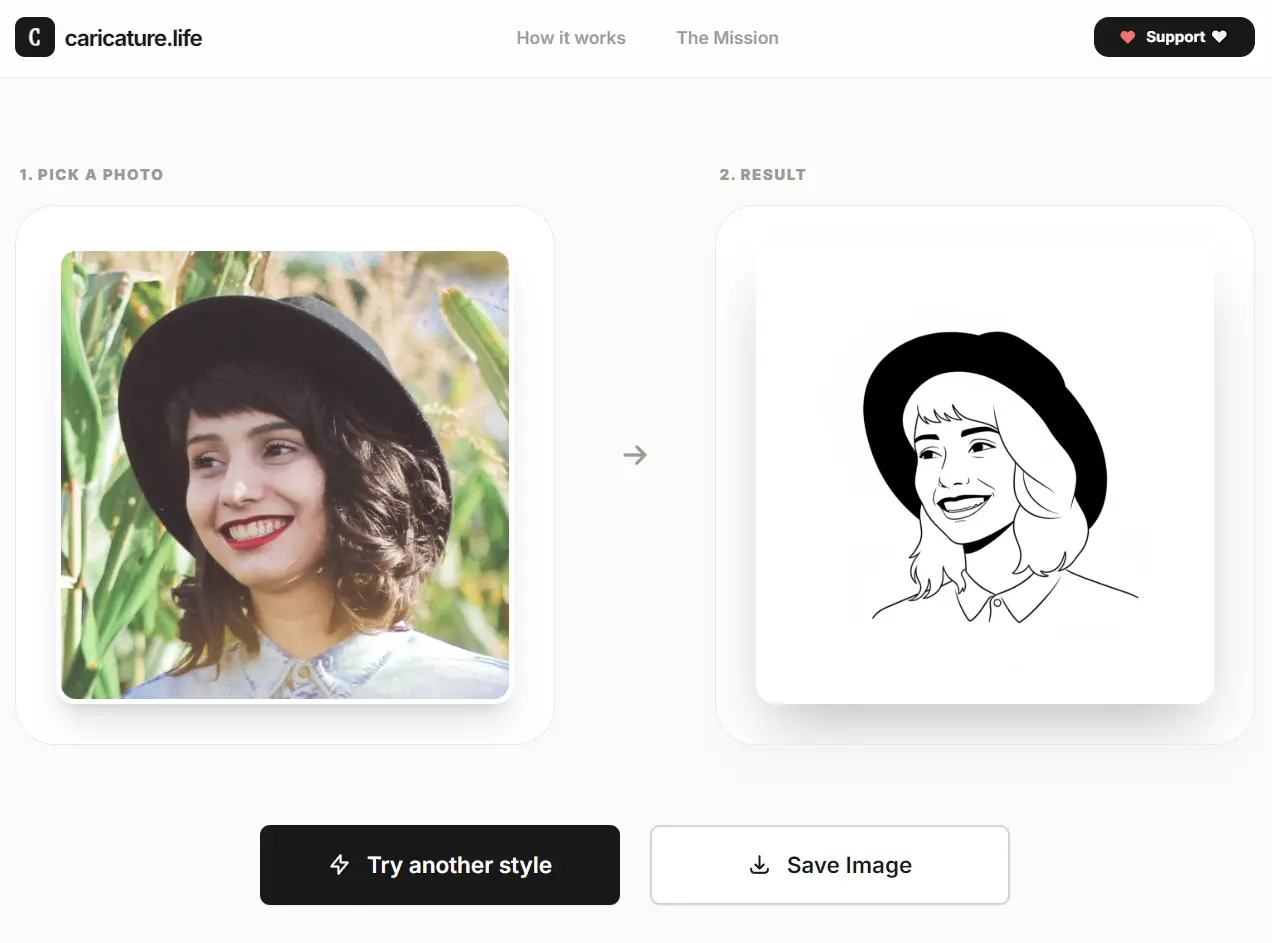
caricature.life is a free AI avatar generator that transforms your photos into minimalist, clean, Notion-inspired black-and-white caricature line art.
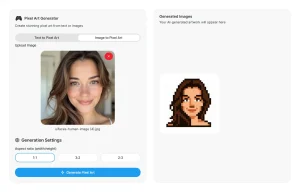
The tool processes photos instantly using AI redraw technology. Upload a headshot, the AI simplifies it into clean line art, and you download a PNG. No watermarks. No rate limits. No upsells.
Features
- Zero Data Tracking: The platform processes images and immediately deletes them.
- No Account Creation: No email, password, or any personal information required.
- Multiple Style Variations: The “Try Another Style” button generates completely different versions using the same photo.
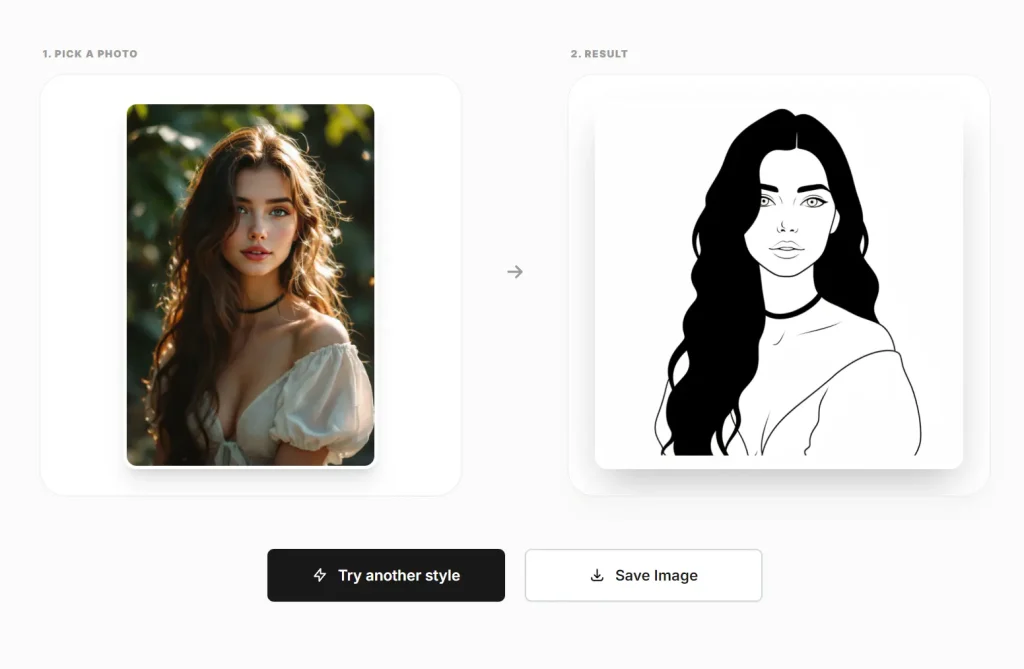
- Minimalist Line Art: The AI converts photos to clean, Notion-inspired black-and-white illustrations.
- Permanent Free Access: It works as community-supported software with lifetime free availability.
Use Cases
- Anonymous Community Profiles: Create professional avatars for Reddit, Discord, HackerNews, or forum accounts where real photos aren’t appropriate.
- Professional Social Media: Generate clean profile pictures for Twitter, LinkedIn, or GitHub.
- Privacy-Conscious Communication: Set up Slack or team chat profiles without exposing your face to workplace surveillance or data collection systems.
- Content Creator Branding: Create consistent visual identities for YouTube channels, podcasts, or newsletters while maintaining personal privacy.
How to Use It
1. Grab a photo from your computer. Headshots work best, but any clear photo where your face is visible produces results.
2. The AI processes your photo immediately. You’ll see a minimalist black-and-white caricature appear on screen. The AI uses line-art simplification that strips away photographic detail while preserving your recognizable features.
3. If the first result doesn’t match what you need, click “Try Another Style.” This regenerates a completely different interpretation using different stylistic choices. You can repeat this as many times as you want.
4. Download the PNG when you find a version you like.
Pros
- Absolute Privacy: The tool deletes data immediately and tracks nothing.
- Zero Friction: No login or payment walls.
- Clean Aesthetic: The output style looks professional and modern.
- Unlimited Use: You can generate as many variations as needed for free.
Cons
- Limited Styles: The tool produces only one specific type of minimalist line art.
- No Manual Editing: You cannot tweak specific facial features or lines after generation.
FAQs
Q: Does caricature.life store my photos?
A: No. The platform deletes your photos immediately after processing. They do not maintain a database of user faces.
Q: Is this tool really free?
A: Yes. The tool is lifetime free and supported by the community. There are no hidden paywalls or credit systems.
Q: Can I use the images for commercial purposes?
A: The website does not restrict usage. You own the generated image and can use it for personal or professional profiles.
Q: What is the best type of photo to upload?
A: A clear, front-facing headshot works best. The AI performs better when the face is well-lit and distinct from the background.
Q: Why does the result look different from my photo?
A: The AI uses a “Redraw” technique to simplify reality into line art. It interprets features rather than copying them pixel-for-pixel. You can click “Try Another Style” to get a different interpretation.