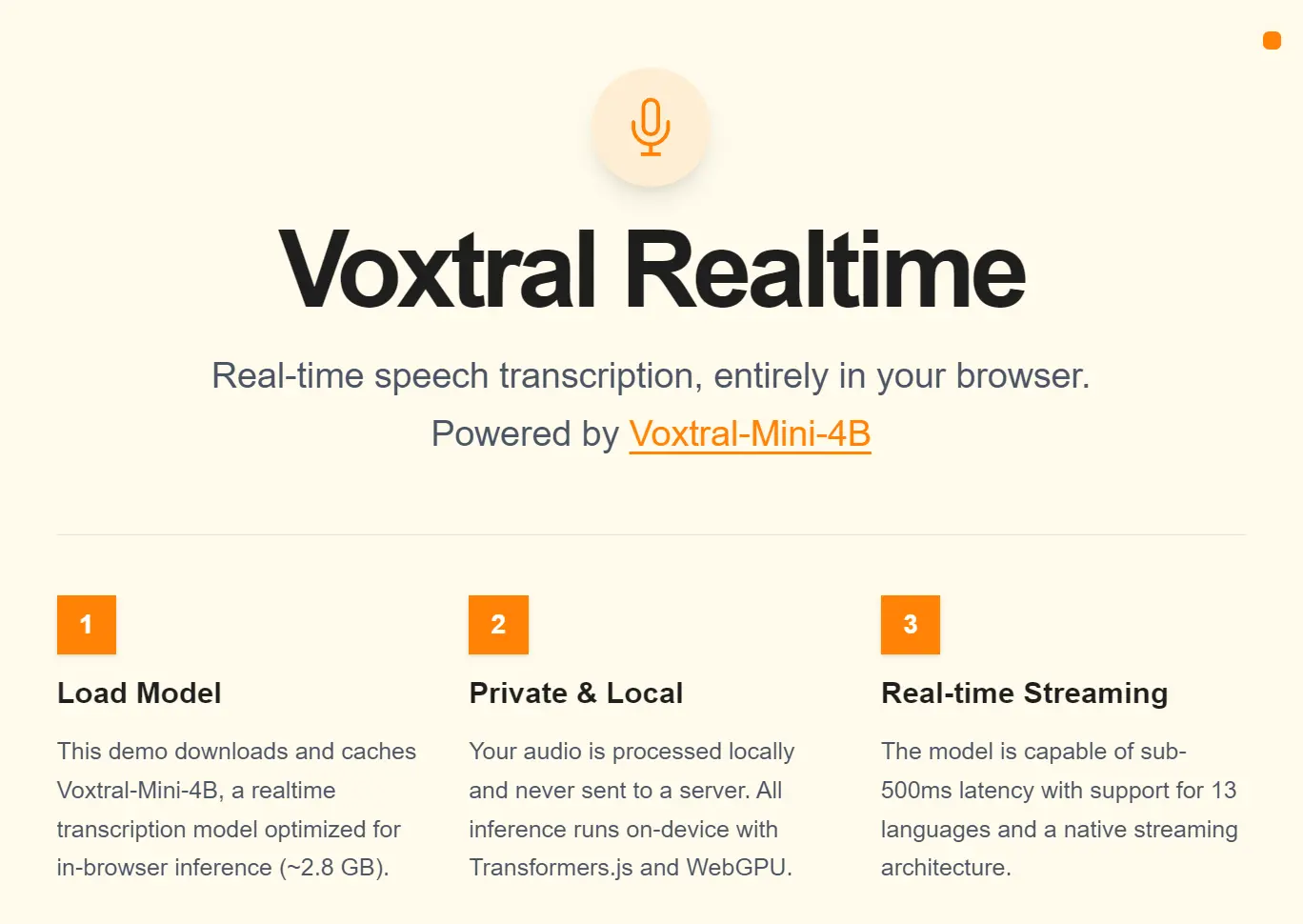
Voxtral Realtime is a free, open-source speech transcription app that runs entirely in your browser.
It converts live microphone audio to text with under 500ms of delay by using Mistral AI’s Voxtral-Mini-4B-Realtime-2602 model.
All inference runs on your device via Transformers.js and WebGPU, so your audio never touches a server.
The app downloads and caches the optimized ~2.8 GB model on your first visit.
After that, it loads from the browser cache. No API key and no cloud account required.
Features
- Runs locally in your browser via Transformers.js and WebGPU.
- The model outputs live text with under 500ms of delay at the default 480ms configuration.
- 13-Language Support: English, Chinese, Hindi, Spanish, Arabic, French, Portuguese, Russian, German, Japanese, Korean, Italian, and Dutch.
- You can adjust the delay between 80ms and 2.4s to balance speed against accuracy.
- A natively causal audio encoder processes audio left-to-right in real time.
- No audio data reaches an external server at any point during transcription.
- The browser downloads the model once and caches it, so repeat sessions start instantly.
- The underlying Voxtral-Mini-4B-Realtime-2602 model is free for both personal and commercial use.
Use Cases
- Run live transcription during calls or in-person meetings.
- Generate subtitles for presentations, lectures, or video recordings in real time directly in the browser.
- Feed the real-time streaming output as the speech understanding layer for in-browser voice assistant experiments.
- Transcribe audio across 13 languages in a single tool.
- Provide live captions for speakers in environments where network connectivity is limited or audio privacy matters.
How to Use Voxtral Realtime
1. Visit the Voxtral Realtime WebGPU in your web browser. The app requires a modern browser with WebGPU enabled and shader-f16 support.
Chrome on desktop (version 113 or later) is the most reliable option. Firefox requires manual flag activation, and Safari’s WebGPU support is still experimental as of early 2026.
2. On your first visit, the app automatically downloads and caches the Voxtral-Mini-4B model at approximately 2.8 GB. This is a one-time step. Subsequent sessions load the model from the browser cache and start in seconds.

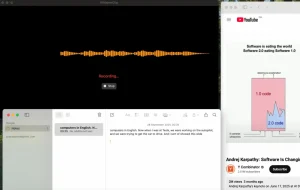
3. Click the Record button. Your browser will request microphone permission. Once granted, audio capture starts and transcription streams to the screen in real time.
Pros
- 100% free and open-source.
- Requires minimal hardware resources.
- Works offline after the initial download.
- Performance at 480ms delay stays within 1–2% word error rate of leading offline open-source transcription.
Cons
- Requires a modern browser with WebGPU support.
- The browser must cache a 2.8 GB model before the first use.
Related Resources
- Voxtral-Mini-4B-Realtime-2602: The official model card with architecture details, benchmark results, vLLM deployment instructions, and configuration options.
- Voxtral Realtime Source Code: The full source for the browser app, ready to clone and self-host.
- Transformers.js Documentation: Reference documentation for the JavaScript inference library.
FAQs
Q: Does Voxtral Realtime send audio to Mistral’s servers?
A: No. The app runs entirely on your device. Audio is captured locally, processed via Transformers.js and WebGPU, and never transmitted anywhere.
Q: How accurate is Voxtral Realtime compared to Whisper or commercial APIs?
A: At 480ms transcription delay, Voxtral Mini 4B Realtime achieves a word error rate within 1–2 percentage points of Whisper large-v3 on standard benchmarks. Performance at this setting matches leading real-time commercial APIs. The 2.4s delay setting produces accuracy comparable to Mistral’s own batch transcription model, Voxtral Mini Transcribe V2.
Q: Can I adjust the transcription delay?
A: The hosted demo targets the default 480ms setting. If you run a local deployment using the published source code, you can modify the transcription_delay_ms value in the tekken.json file. Valid values are any multiple of 80ms between 80ms and 1200ms, plus 2400ms as a standalone option. Lower values reduce latency at the cost of some accuracy, while higher values improve accuracy at the cost of responsiveness.
Q: What happens if my browser crashes mid-transcription?
A: Any transcribed text in the session is lost, so copy your output periodically during longer sessions.