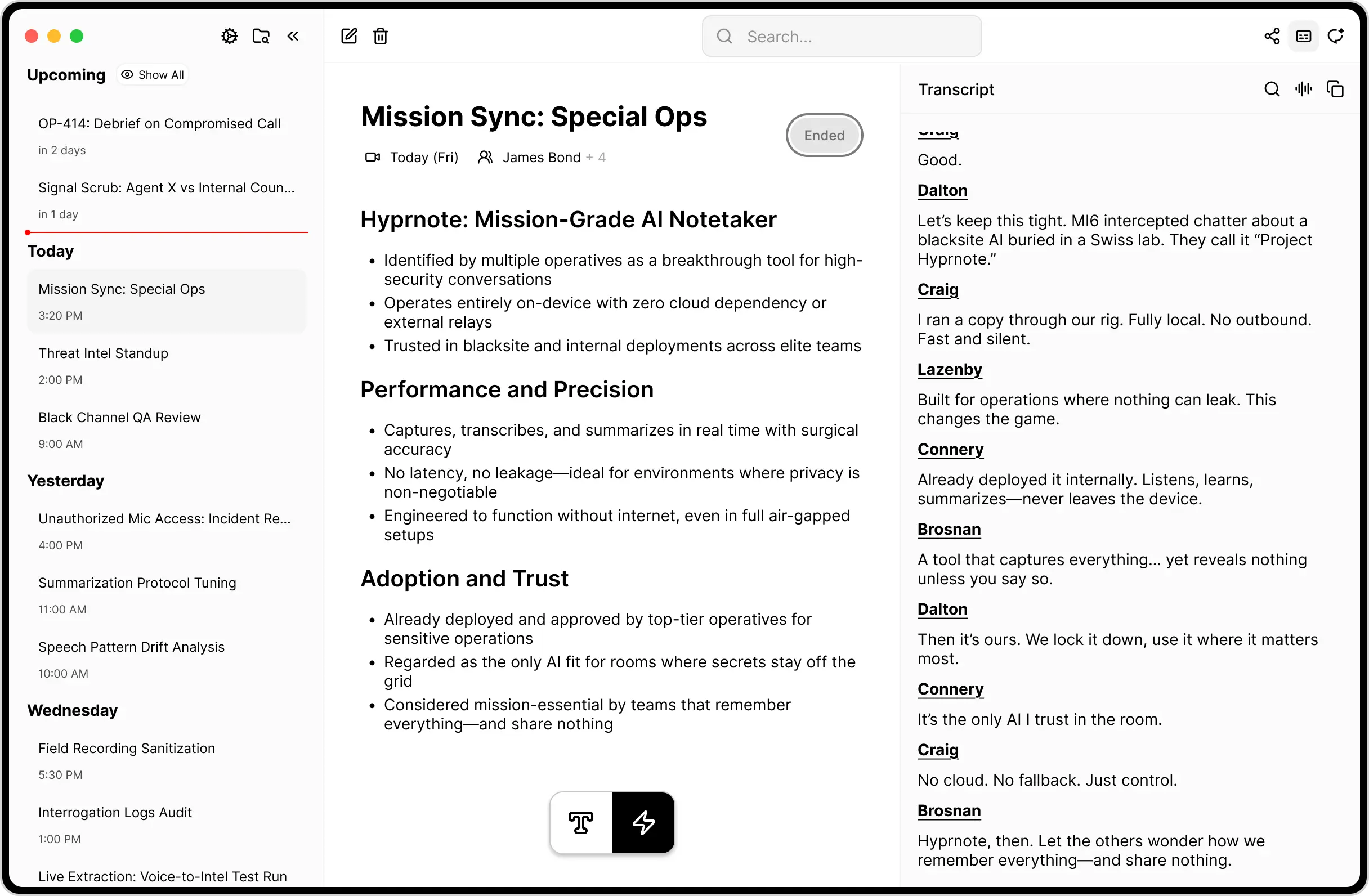
Hyprnote is a free, open-source, local-first AI notepad built for professionals who spend their days in back-to-back meetings.
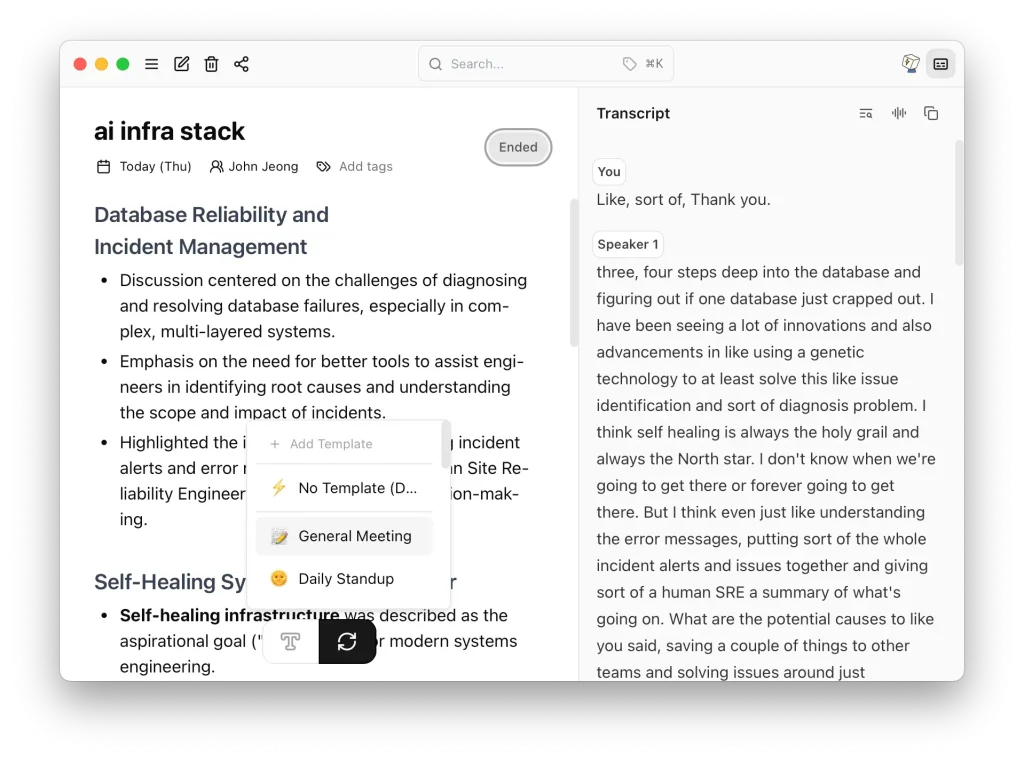
It listens to your conversations as you take notes, then combines your jottings with a full transcript to create accurate, context-aware meeting summaries.
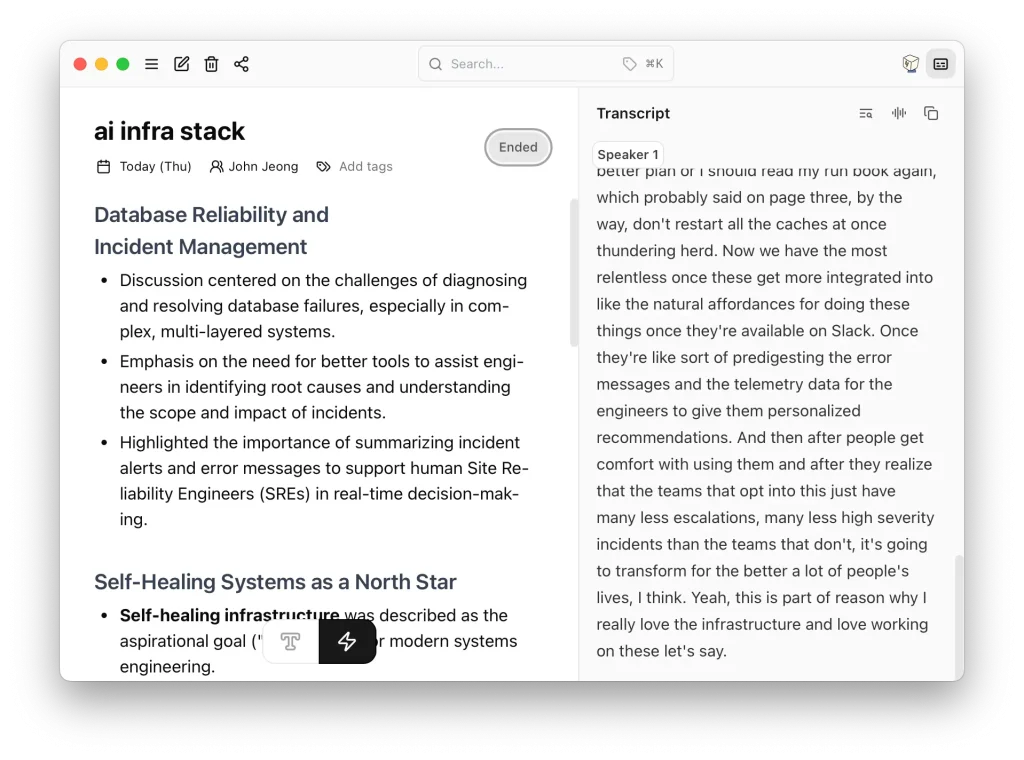
The entire process happens on your device. No data is sent to the cloud, so your confidential discussions remain completely private.
Features
- Real-time transcription: Allows note-taking, audio recording, and transcription without an internet connection using local speech recognition models.
- Smart summary generation: Merges user notes with meeting transcripts for comprehensive summary generation after meetings conclude.
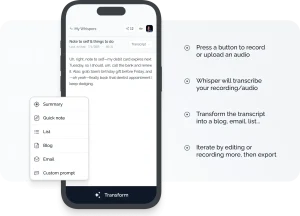
- Template system: Choose from predefined formats like bullet points, agenda-based summaries, or paragraph style. You can create custom templates.
- Bring your own LLM: Connect local models via Ollama or approved third-party APIs like Gemini, Claude, or Azure-hosted GPT for organizations with specific compliance requirements.
- Autonomy controls: Adjust how much creative freedom the AI takes. Either stick strictly to your handwritten notes or let it improvise based on the full conversation context.
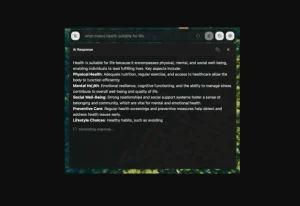
- AI chat integration: Ask follow-up questions directly within your notes, such as “What were the action items?” or “Rewrite this in simpler language.”
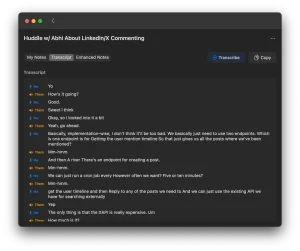
- Speaker identification: Automatically identifies different speakers during meetings for clearer transcript organization.
- Calendar integration: Connect with your existing calendar system for automatic meeting scheduling and reminders.

Use Cases
- Corporate meetings with strict data policies: Companies that prohibit cloud-based tools can maintain AI-assisted note-taking without compromising security protocols.
- Client consultations and legal meetings: Professionals handling sensitive information can transcribe and summarize conversations while maintaining complete data control.
- Remote team standups and planning sessions: Distributed teams can capture action items and decisions without relying on internet connectivity during the meeting.
- Research interviews and user feedback sessions: Product teams conducting user research can focus on conversation rather than note-taking while ensuring participant privacy.
- Board meetings and executive sessions: High-level strategic discussions can be documented and summarized without external data exposure risks.
How to Use It
1. The recommended way to install Hyprnote on macOS is with Homebrew. Just run the command:
brew tap fastrepl/hyprnote && brew install hyprnote --cask2. Grant microphone permissions when prompted. Hyprnote can capture audio from both your microphone (for in-person meetings) and system audio (for virtual meetings on Zoom, Teams, etc.).
3. Open Hyprnote before your meeting starts. Begin taking quick notes as usual while the tool silently transcribes in the background. The real-time transcript appears alongside your notes, but focus on jotting down key points rather than comprehensive transcription.
4. After the meeting ends, Hyprnote combines your handwritten notes with the full transcript. Use the summary generation feature to create polished meeting notes. The AI analyzes both sources to produce context-aware summaries that highlight your noted priorities.
5. Access the template system to format outputs according to your organization’s standards. Create templates for different meeting types (standup, retrospective, client call) to maintain consistency across your documentation.
6. If your organization has specific AI model requirements, configure Hyprnote to use approved local models through Ollama or connect to enterprise-approved APIs while maintaining local processing for transcription.
Pros
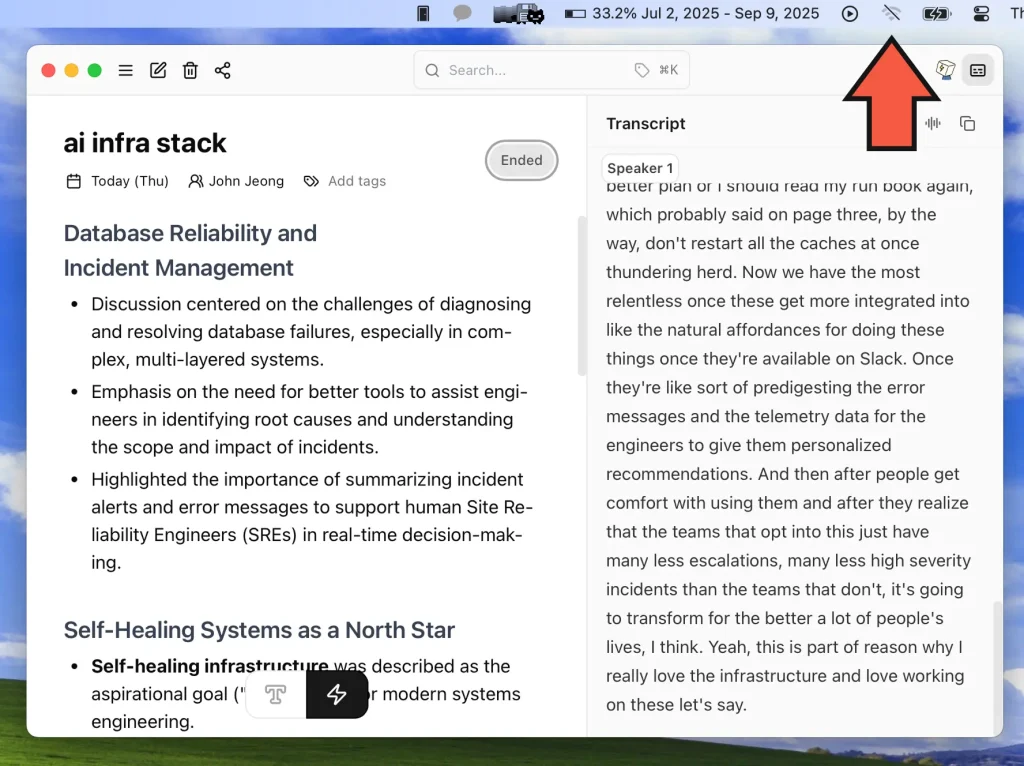
- Privacy-First: All processing happens locally. Not a single byte of your meeting data is sent to the cloud, which is a huge plus for sensitive conversations.
- Works Offline: No internet, no problem. You can record, transcribe, and summarize meetings from anywhere.
- Free and Open-Source: The core functionality is free forever, and its open-source nature means transparency and community-driven development.
- Highly Customizable: The ability to bring your own language model is a significant advantage for teams with specific compliance or performance needs.
- No Meeting Bots: It doesn’t require a bot to join your calls, which feels less intrusive for other participants.
Cons
- Platform availability: Currently limited to macOS users, though other platforms are planned for future releases.
- Processing requirements: Local AI models require sufficient system resources, which may impact performance on older machines.
- Limited collaboration features: The free version lacks real-time sharing capabilities that teams accustomed to cloud-based tools might expect.
- Setup complexity: Users unfamiliar with local AI models may find initial configuration more involved than plug-and-play cloud solutions.
Related Resources
- Ollama Documentation: Learn how to run local language models that integrate with Hyprnote’s bring-your-own-LLM functionality.
- OpenAI Whisper GitHub: Understand the underlying transcription technology that powers Hyprnote’s speech recognition capabilities.
- macOS Audio Permissions Guide: Configure system permissions properly for optimal Hyprnote functionality.
FAQs
Q: How does Hyprnote compare to Otter.ai or other cloud-based transcription services?
A: The primary difference lies in data handling. While Otter.ai processes everything in the cloud, Hyprnote keeps all audio and transcripts on your local machine. This makes it suitable for organizations with strict data privacy requirements but may lack some collaborative features found in cloud services.
Q: What happens if my internet connection fails during a meeting?
A: Hyprnote continues functioning normally since all core processing occurs locally. Your notes and transcription continue uninterrupted, and the tool automatically syncs any cloud-connected features once connectivity returns.
Q: Can I use Hyprnote for phone calls or does it only work with computer-based meetings?
A: Hyprnote captures audio from your computer’s microphone and system audio. For phone calls, you would need to route the audio through your computer (using speaker mode or audio routing software) for the tool to capture it.
Q: How accurate is the transcription compared to human note-taking?
A: Transcription accuracy depends on audio quality, speaker clarity, and the underlying Whisper model performance. In good conditions, it typically exceeds manual note-taking speed and accuracy, but the tool is designed to complement rather than replace your active note-taking.
Q: What’s the difference between the free version and paid tiers?
A: The free version includes unlimited AI summaries, basic templates, and core transcription features. Pro adds custom template building, granular summary controls, and enhanced chat capabilities. Enterprise includes team sharing, SSO, and custom workflow builders.
Q: Is my data truly private if I use third-party AI models through the API connections?
A: When you connect external APIs like Claude or GPT, summary generation data is sent to those services, but the original audio and transcripts remain local. For complete privacy, stick to local models through Ollama integration.