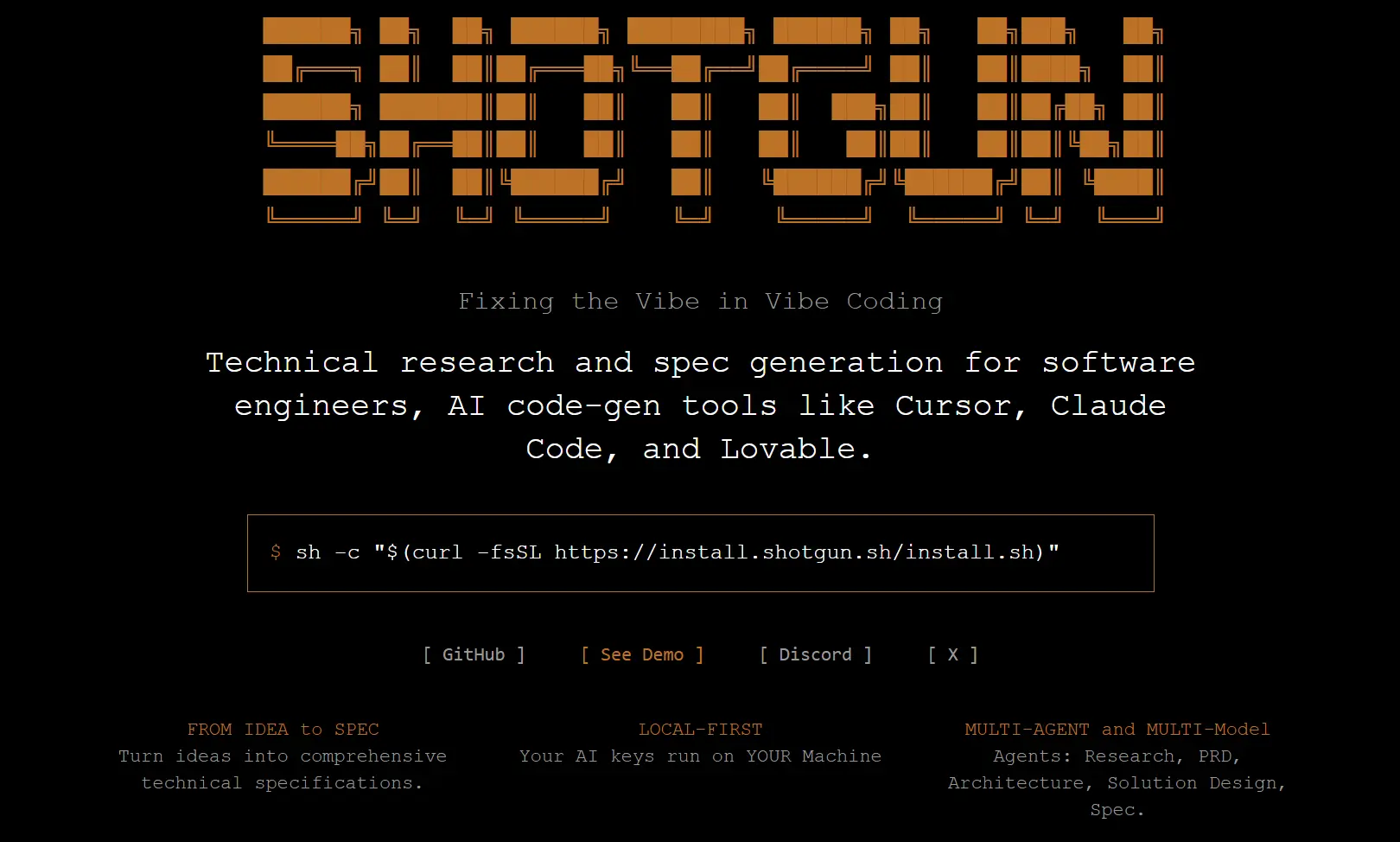
Shotgun CLI is an open-source command-line tool that acts as a codebase-aware specification engine for AI coding assistants like Cursor or Claude Code.
It helps you create clear, context-rich specifications by reading the actual codebase and ensures the AI-generated code aligns with your project requirements.
If you’ve ever used an AI coding tool like Cursor, Claude Code, and Lovable, you know the frustration of getting code that looks right but is fundamentally broken. It might not run, it might miss the core intent of your feature, or it might introduce an architecture that just doesn’t fit.
This isn’t a failure of the AI’s coding ability, but a failure of the instructions it was given. Garbage in, garbage out, as they say.
Shotgun CLI was built to solve this problem by acting as a planning layer before you even start generating code.
It uses a team of AI agents, a Researcher, an Architect, a Product Strategist, and a Spec Writer, to analyze your idea, research the problem space, and map it to your existing system.
The result is a buildable document that gives your AI coding assistant the context it needs to do its job right the first time.
Features
- From Idea to Spec: Shotgun transforms vague ideas into detailed technical specifications, including PRDs, architectural trade-offs, and roadmaps.
- Local-First: All operations run on your machine, using your own AI keys. Your data and code remain private.
- Multi-Agent and Multi-Model: It uses a team of specialized AI agents (Research, PRD, Architecture, Solution Design, Spec) to produce comprehensive outputs.
- Repo-Aware: The tool reads your repository to ensure that the generated specifications and diagrams fit your project’s existing structure and conventions.
- Spec to Code: With a single command, you can export files formatted for direct use in AI coding tools like Cursor, Claude Code, or Lovable.
- Artifacts Webview: You can preview all generated documents and diagrams in a local webview and only share them when you’re ready.
Use Cases
- Indie Builders: You can design a local-first, end-to-end encrypted notes app by having Shotgun compare CRDT options like Yjs and Automerge, and evaluate different sync transports.
- Scaling Teams: Standardize your local development environment by asking Shotgun to evaluate JavaScript runtimes such as Node.js, Bun, and Deno. It can compare everything from module compatibility to performance and security.
- Enterprise Solutions: Design a PII-safe AI knowledge assistant for a regulated industry like banking. Shotgun can compare retrieval stacks, model options, and deliver a plan that covers compliance, security architecture, and evaluation.
- Initial Project Scoping: If you have a vague idea like an “AI-powered Tinder for Side Hustles,” you can use Shotgun to walk you through the process of shaping it into a concrete business and technical plan.
How to Use It
1. Getting started with Shotgun requires a few prerequisites: macOS or Linux, Python 3.11+, Node.js 18+, and git installed on your system.
2. Install Shotgun:
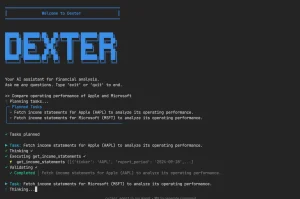
sh -c "$(curl -fsSL https://install.shotgun.sh/install.sh)"3. Type shotgun in your terminal to start the tool.
shotgun
4. From there, you can give it a prompt describing what you want to build or analyze. For example, you could start with something like, “I want to build a new web project. Evaluate the trade-offs between using Node.js and Bun for the backend.” Shotgun will then kick off its multi-agent process to research and generate a detailed specification for you.
5. Review the generated artifacts in the built-in webview. You can iterate on any section by providing feedback or requesting changes to specific aspects like architecture choices or feature prioritization.
6. When satisfied with the specifications, export them directly to your preferred AI coding tool. The export formats are optimized for each platform’s prompt structure and context limits.
Pros
- Improved Code Quality: By providing AI coders with better specs, the generated code is more likely to be correct, functional, and aligned with your project’s goals.
- Context-Aware: The tool’s ability to read your local repository is a significant advantage. This prevents the AI from suggesting solutions that don’t fit your existing architecture.
- Local and Private: Your code and API keys never leave your machine, which is a critical feature for anyone working on proprietary projects.
- Reduces Rework: It helps you think through the problem and the solution upfront, which saves a lot of time on re-prompting and debugging bad AI outputs.
Cons
- Early Stage: The tool is still in its alpha phase, so you might encounter bugs or limitations.
- Learning Curve: While the basic commands are simple, getting the most out of the multi-agent system requires some practice in crafting effective prompts.
- No Local LLM Support (Yet): The tool currently relies on external LLM providers. Support for local models is planned but not yet available.
Related Resources
- Cursor IDE: AI-powered code editor that integrates well with Shotgun’s exported specifications.
- Claude Code documentation: Anthropic’s command-line coding tool that accepts Shotgun’s formatted outputs.
- Lovable platform: No-code AI app builder that can utilize Shotgun’s architectural specifications.
- AI coding tools comparison guide: GitHub’s overview of different AI-assisted development approaches.
- Local-first software principles: Research paper explaining the architectural philosophy behind Shotgun’s design.
- AI-powered CLI Tools: Discover more free, open-source, AI-powered CLI tools including AI coding agents on our website.
FAQs
Q: Does Shotgun collect any stats or data?
A: Shotgun only gathers minimal, anonymous events like install or server start. It does not collect the content of your prompts or your code. Sentry is used for error reporting to help improve stability.
Q: How does the export functionality work with different AI coding tools?
A: Shotgun formats specifications according to each platform’s optimal prompt structure and context limits. For Cursor, it creates structured prompts that work well with the editor’s AI features. Claude Code exports include proper context organization, while Lovable formats focus on component and architecture descriptions suitable for no-code generation.
Q: What happens if I’m working on a private or proprietary codebase?
A: The local-first architecture means your proprietary code never gets transmitted to external servers. Shotgun analyzes your repository locally and incorporates that context into specifications without exposing sensitive intellectual property. You maintain complete control over what information, if any, gets shared externally.
Q: Can teams collaborate on specifications created with Shotgun?
A: Yes, through the artifact sharing system. You can preview all generated specifications locally and then choose to share specific artifacts with team members or stakeholders. The sharing is opt-in and selective—you decide exactly what leaves your machine and when.