ChatGPT Atlas is a free AI-powered web browser from OpenAI that integrates ChatGPT directly into your browsing experience.
It’s designed to act as an AI assistant that helps you with tasks, summarizes content, and provides information without you having to switch between tabs.
Currently, it’s available for macOS, with versions for Windows, iOS, and Android on the way.
After OpenAI launched Atlas, its powerful new AI browser, Perplexity responded by expanding its ecosystem and introducing an official Affiliate Program for Comet.
You can now earn $20 per lead (for users in the United States) by promoting Comet.
To join, first register a Perplexity account using my link, then visit partners.dub.co/perplexity and apply for the program with the same email
Features
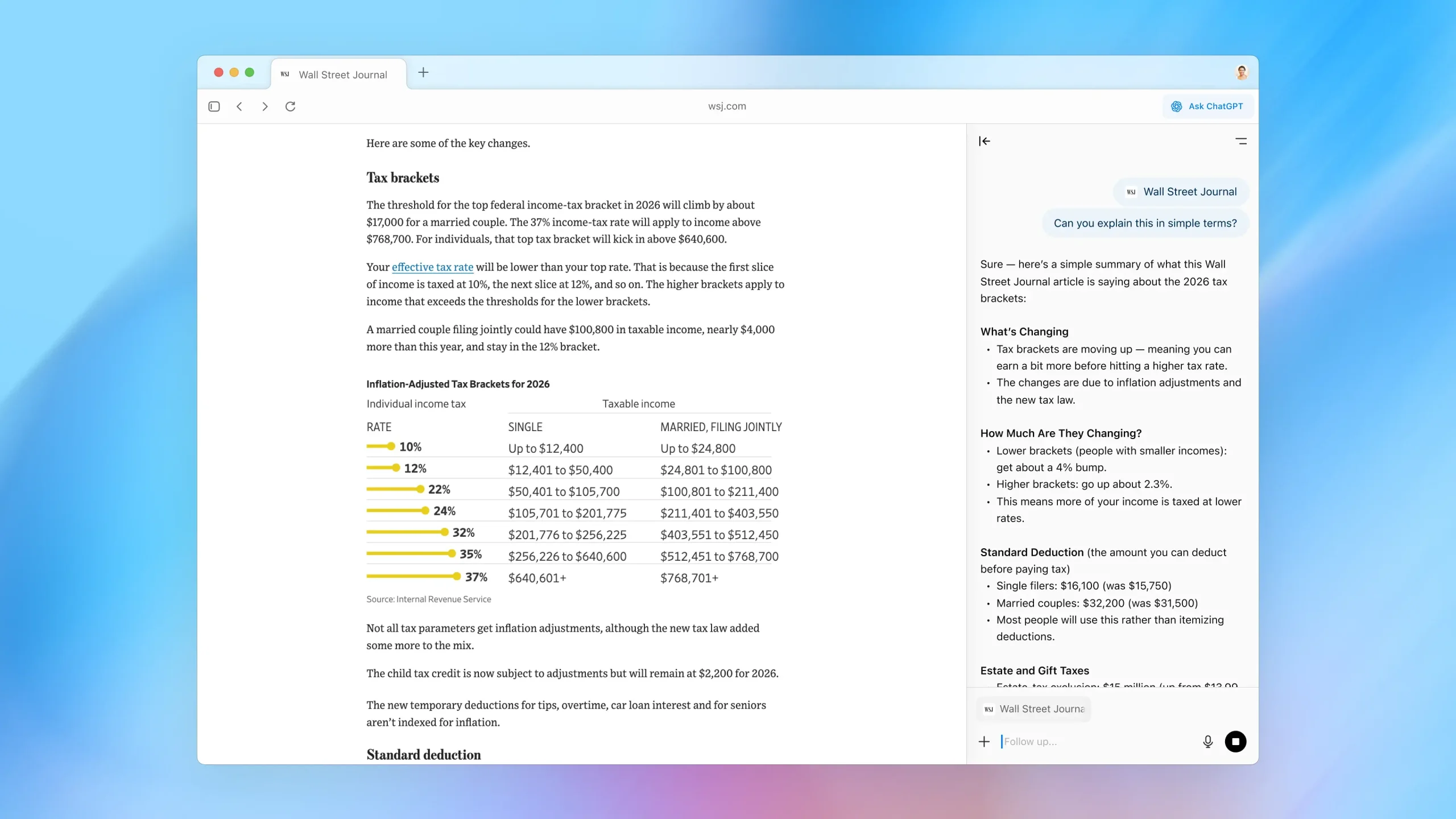
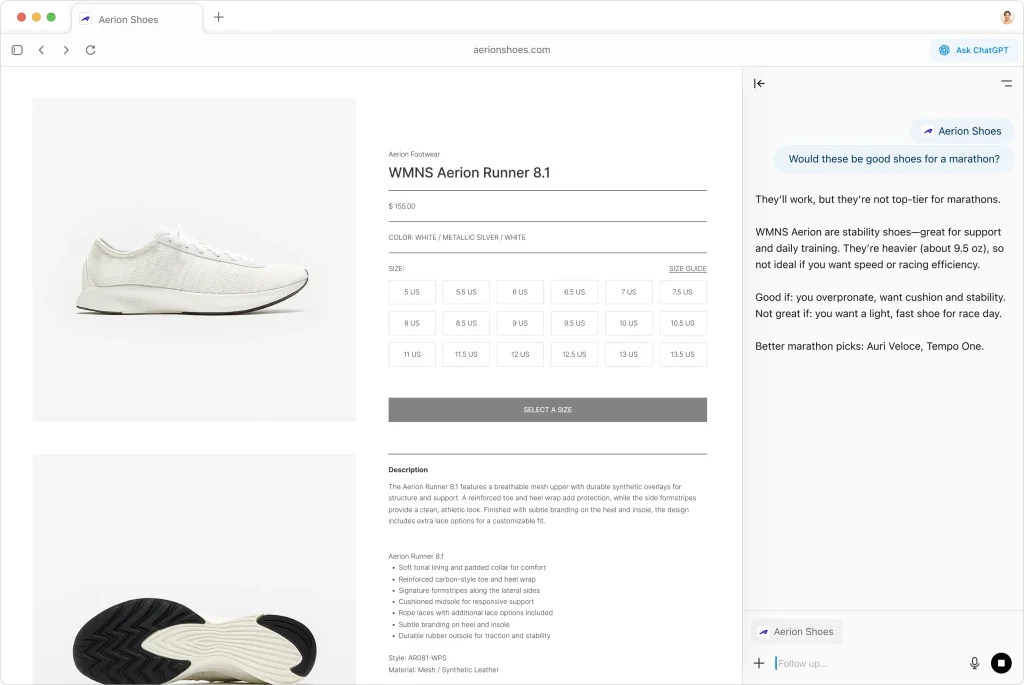
Side Chat Panel: Opens a ChatGPT sidebar in any window where you can ask questions about the content you’re viewing. The AI can see what’s on your screen, so you don’t need to copy and paste text or take screenshots to provide context.
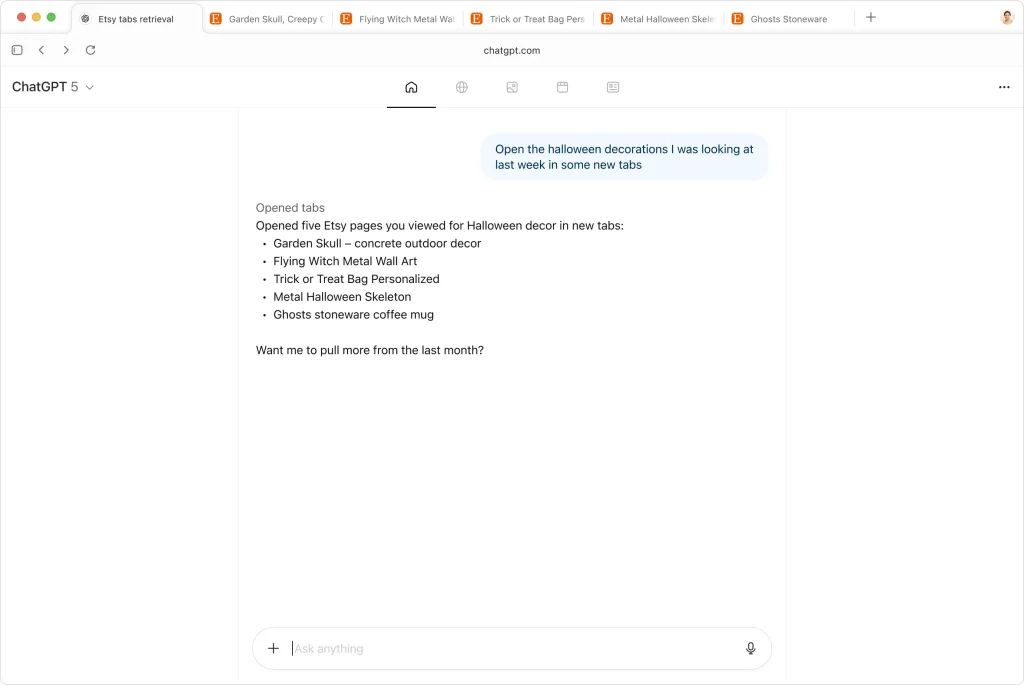
Browser Memory System: ChatGPT remembers details from sites you visit (when enabled) and brings that information back when you need it. You can ask questions like “show me the job postings I looked at last week” and get instant results based on your browsing history.
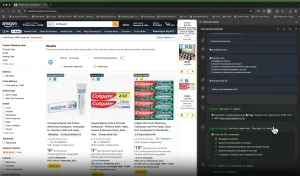
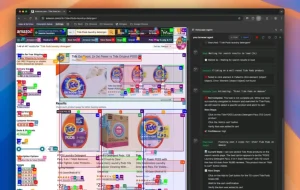
Agent Mode: Available for Plus, Pro, and Business users, this feature lets ChatGPT interact with websites on your behalf to complete tasks from start to finish. The agent can research products, fill shopping carts, book appointments, and handle multi-step workflows.
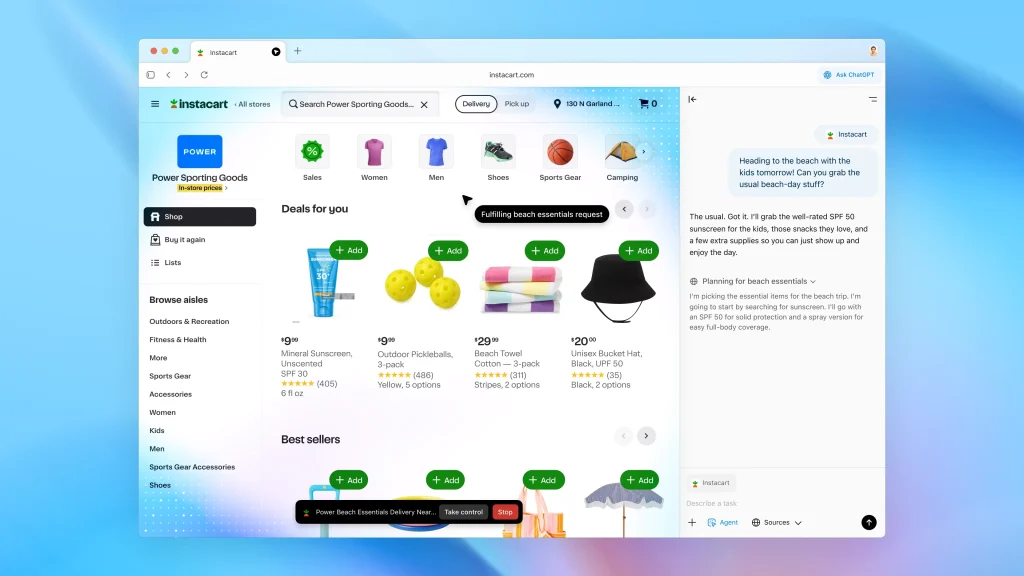
Cursor Chat Tool: Highlight any text in emails, documents, or web pages to get instant help. You can rewrite content, check grammar, or ask questions about selected text with one click.

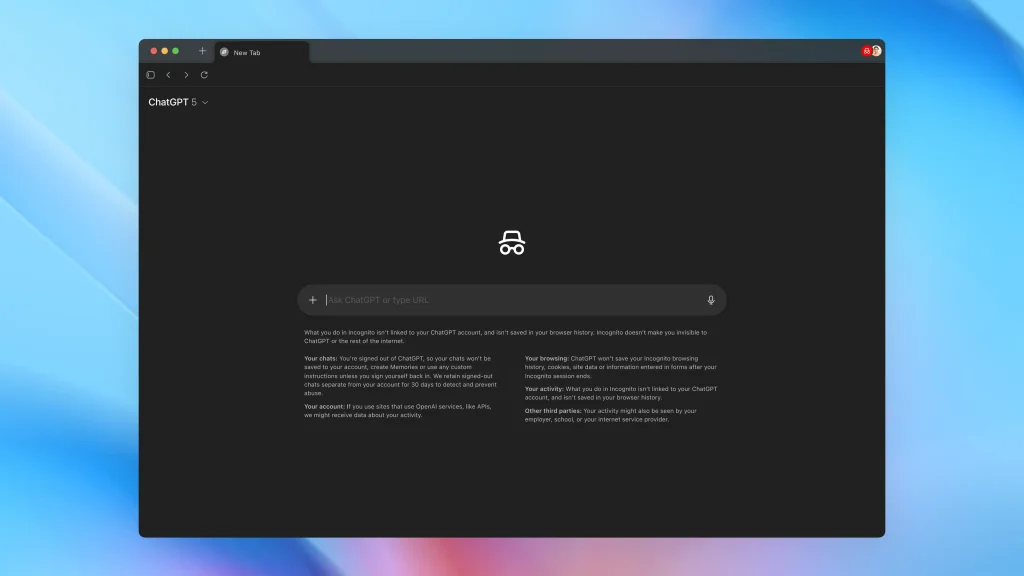
Privacy Controls: You decide which sites ChatGPT can see using a toggle in the address bar. Clear your browsing history, use incognito mode, or turn off browser memories entirely. Browser memories are private to your ChatGPT account and under your control.
Search Options: Get results as chat responses, traditional search links, images, videos, or news articles. The new tab page serves as your starting point for queries or URL entry.
Standard Browser Functions: Tabs, bookmarks, autocomplete, password management, and the ability to import data from your current browser.
Customization: Set browsing preferences, choose color schemes, and configure which features you want active.
Use Cases
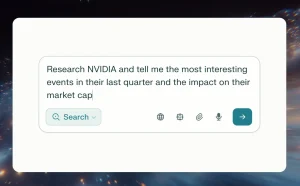
- Research and Learning: If you’re a student or researcher, you can use Atlas to quickly summarize articles, explain complex topics, and gather information from multiple sources without having to jump between tabs.
- Online Shopping: The agent mode can be a real time-saver when shopping online. You can ask it to find the best deals, compare products, and even add items to your cart.
- Content Creation: For writers and content creators, the in-line writing assistance can help with everything from drafting emails to editing articles.
- Travel Planning: Planning a trip can be a lot of work, but with Atlas, you can have the AI research destinations, find flights and accommodations, and even book reservations for you.
- Work Productivity: Ask ChatGPT to read through team documents, perform competitive research, compile insights into briefs, or summarize lengthy reports. The browser memory helps maintain context across multiple work sessions.
How to Use It
1. Go to the ChatGPT Atlas website and download the installer for macOS. Once downloaded, open the .dmg file and drag the Atlas application into your Applications folder.
2. Open Atlas and log in with your ChatGPT account credentials.
3. You can import your bookmarks, saved passwords, and browsing history from your current browser, like Chrome or Safari.
4. Decide whether to enable browser memories. If turned on, ChatGPT will remember key details from sites you visit to personalize future searches and suggestions. You can manage or delete these memories anytime in settings.
5. Use the new tab page to ask questions or enter URLs. The ChatGPT sidebar stays accessible as you browse. Click the visibility toggle in the address bar to control whether ChatGPT can see specific pages.
6. Plus, Pro, and Business subscribers can enable agent mode when they want ChatGPT to complete tasks automatically. The agent will ask permission before taking actions on sensitive sites like financial institutions.
Pros
- Eliminates Context Switching: No more copying text or switching between your browser and ChatGPT.
- Personalized Over Time: Browser memories help ChatGPT understand your preferences and provide more relevant suggestions as you use Atlas regularly.
- Powerful Automation: Agent mode can handle time-consuming tasks like research, shopping, and form filling without manual input for each step.
- Strong Privacy Controls: You decide what ChatGPT can see, when it can remember information, and can clear history or use incognito mode anytime.
- Free Core Features: OpenAI says the browser will be available to all free users at launch.
Cons
- Limited Platform Availability: The browser currently requires an Apple Silicon Mac. Windows, iOS, and Android users need to wait for future releases.
- Early Stage Product: OpenAI describes ChatGPT Atlas as an “early experiment”. Some features may have bugs or limitations as the company refines the experience.
- Limited to One Profile: Multi-profile support is currently in development, so you can’t easily separate work and personal browsing within Atlas yet.
- No Extensions Yet: Atlas cannot install browser extensions, which limits customization compared to Chrome or Firefox.
Related Resources
- ChatGPT Atlas Website: The official website where you can download the browser and learn more about its features.
- ChatGPT Blog: The official blog post from OpenAI announcing the launch of ChatGPT Atlas.
- Free AI Browsers: Discover more free AI browsers to simplify your daily tasks.
FAQs
Q: Is ChatGPT Atlas free to use?
A: Yes, the browser is free for all users. However, the agent mode feature is currently only available to Plus, Pro, and Business subscribers.
Q: Does Atlas use my browsing data to train AI models?
A: By default, your browsing content is not used to train OpenAI’s models. You can choose to opt-in if you want to contribute to their training data.
Q: Can I use Atlas without a ChatGPT account?
A: You need to sign in to a ChatGPT account to set up the browser, but you can use it in incognito mode, which signs you out of your account.
Q: How does Atlas compare to other AI browsers like Perplexity Comet?
A: While both are AI-powered browsers, Atlas focuses more on task automation through its agent mode, whereas Perplexity Comet is geared more towards research and information synthesis.