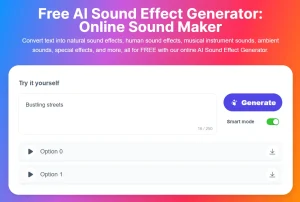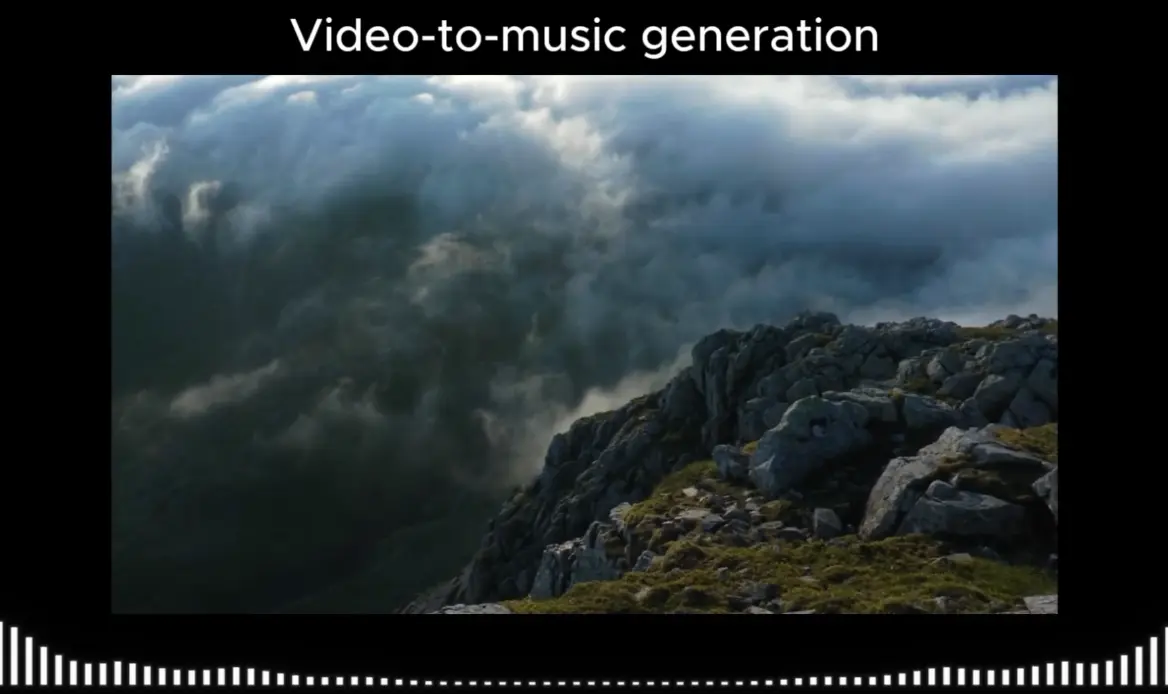
AudioX popped onto my radar recently – it’s an open-source and multimodal AI audio generation model for generating audio and music from text prompts and even videos. Its goal is to be a unified tool, rather than needing separate models for music versus sound effects, or text-to-audio versus video-to-audio.
It’s built using a Diffusion Transformer architecture, which has been showing good results in various generative tasks lately. During training, they hide parts of the input data across different modalities (like masking parts of a video and its corresponding text description) and force the model to reconstruct the audio using the remaining context. This can help it build better connections between different types of input and the resulting sound.
Try It Out
Features
- Multimodal Input/Output. Works with text prompts, video files, images, or existing audio to generate new sounds. I once fed it a 3-second clip of rain noise and got a 2-minute thunderstorm soundtrack with distant church bells.
- Diffusion Transformer Architecture. Balances sound quality and generation speed better than pure diffusion models. Generates 10-second clips in ~15 seconds on a decent GPU.
- Masked Cross-Modal Training. The “cover your eyes and guess” approach: By randomly blocking input types during training, AudioX handles missing/partial data better than models that require perfect inputs.
- Dual Dataset Support. Uses 190K+ general audio captions (VGGSound) and 6M+ music descriptions (V2M). Translation: fewer “uncanny valley” sounds compared to models trained on smaller datasets.
Official Examples
Use Cases
- Video post-production – Generate matching soundtracks or effects based on video content
- Game development – Create custom sound effects or ambient audio from textual descriptions
- Content creation – Produce background music for podcasts, videos, or presentations
- Accessibility enhancements – Generate audio descriptions based on image content
- Sound design – Quickly prototype audio concepts from written specifications
How To Use It
1. Quick Testing:
- Go to the AudioX Hugging Face Space. (You might need a free Hugging Face account).
- Type a description of the sound or music you want in the ‘Prompt’ box.
- OPTIONAL. Drag and drop a video file into the ‘Video’ upload area.
- Click the ‘Generate’ button.
- Wait for the process to complete. An audio player will appear with your generated sound.
Tip: Be descriptive but concise in your prompts. Instead of just “music”, try “slow ambient synth music for space scene”. For video, shorter clips generally work better in the demo space.
2. For Developers (Local Use/Integration):
- Check the AudioX model card on Hugging Face. This page details the model architecture, intended uses, and limitations.
- You can also clone the GitHub repository for the full source code and potentially finer control or training scripts.
More Resources
- Research Paper: For the deep technical details: https://arxiv.org/abs/2503.10522
- Project Page: Includes more examples and overview: https://zeyuet.github.io/AudioX/
FAQs
Q: Can AudioX generate really long audio files, like a full song?
A: Diffusion models typically generate audio in chunks or segments of a fixed length (e.g., a few seconds). Generating very long, coherent pieces often requires additional techniques for stitching segments together or specific model architectures not necessarily highlighted here. Expect it to be better for shorter SFX, loops, or musical ideas rather than complete 5-minute tracks in one go from the base model.
Q: How is AudioX different from AI tools that only generate music?
A: AudioX is designed as a unified model. While music-only generators might have deeper training specifically on musical structures, patterns, and theory, AudioX’s strength is its ability to generate both music and general sound effects, plus its flexibility in handling non-text inputs like video. It aims for breadth across audio types.
Q: Do I need to be a programmer to use AudioX?
A: No. Anyone can try the basic functionality using the web-based Hugging Face Space demo linked above. You only need coding skills if you want to download the model, run it locally on your own machine, integrate it into your own application, or fine-tune it.