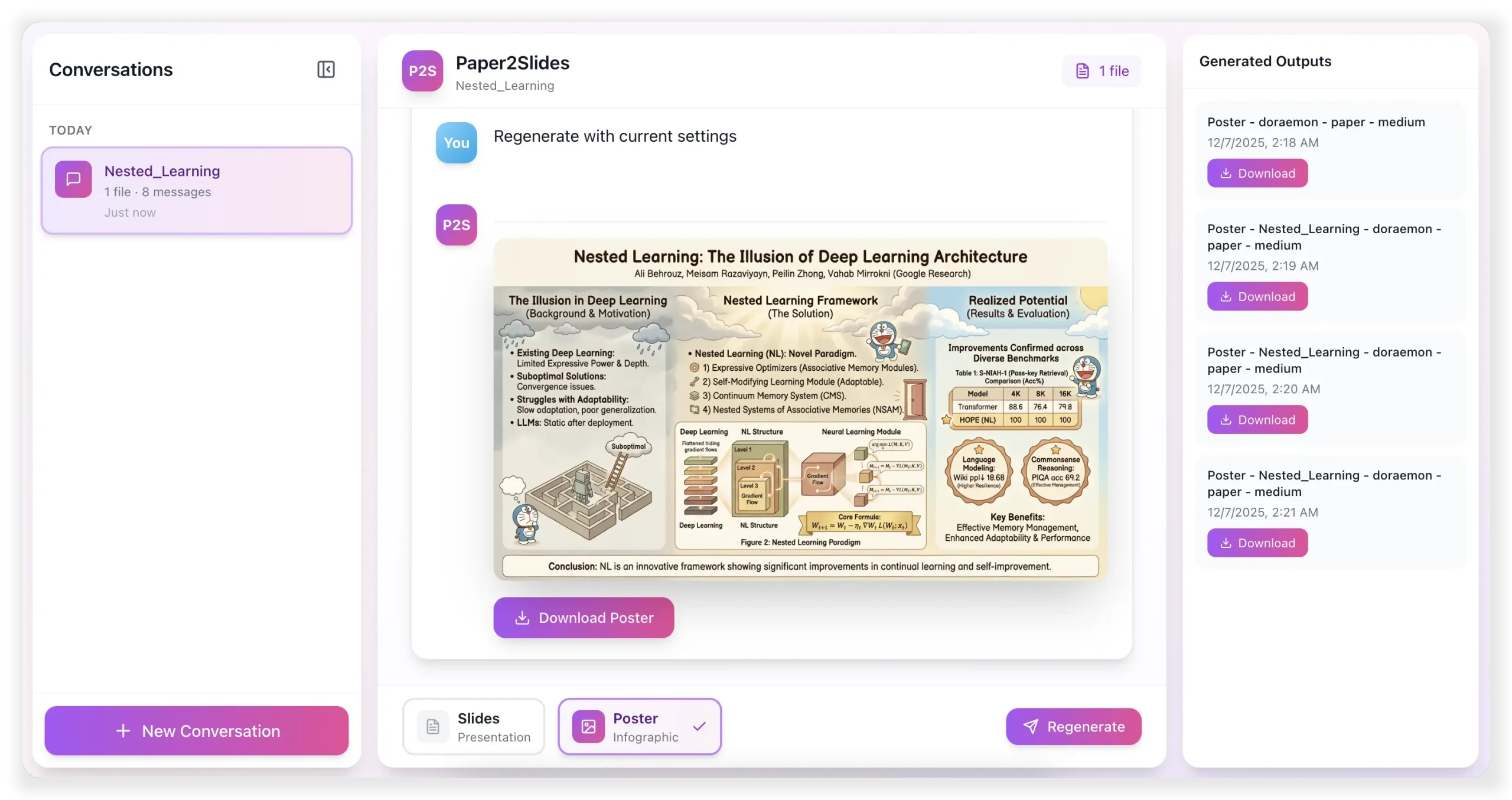
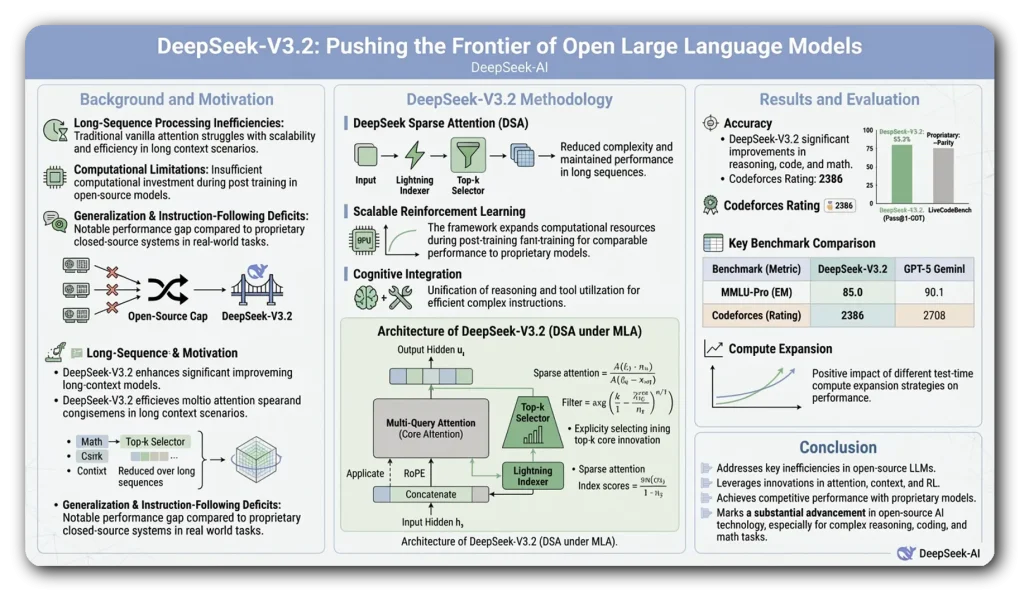
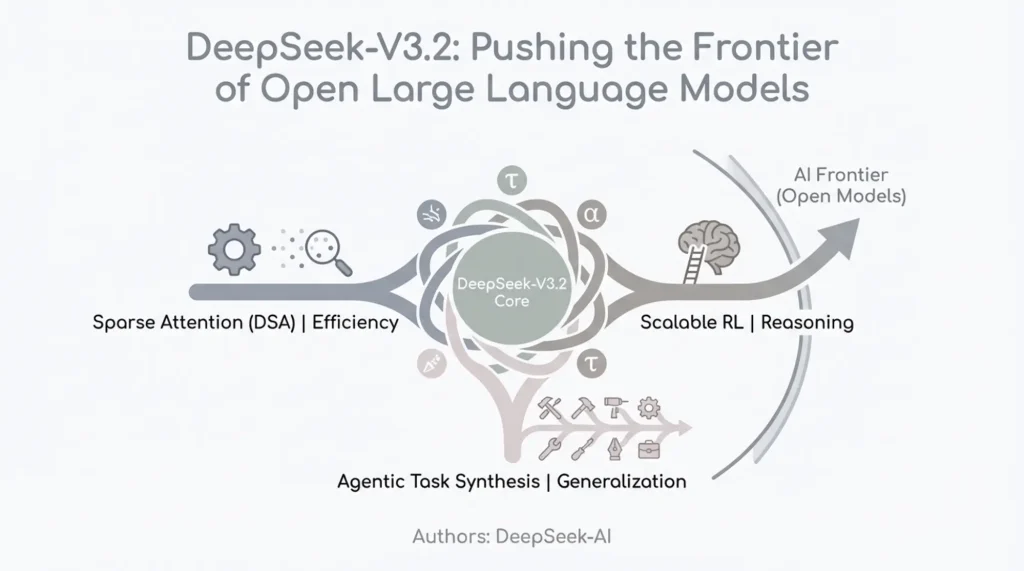
Paper2Slides is a free, open-source AI tool developed by The University of Hong Kong that converts academic papers, reports, and documents into professional presentation slides and posters with a single click.
It reads your PDFs, Word documents, or markdown files, understands the key points, and generates a styled slide deck. The best part is you control the detail level and visual theme, from formal academic to more playful designs.
Features
- Universal File Support: You can feed it multiple documents simultaneously, and it will extract content from all of them to build your presentation.
- RAG-Powered Content Extraction: The system uses Retrieval-Augmented Generation to parse your documents intelligently. It captures figures, tables, citations, and contextual information with higher accuracy than simple text extraction.
- Source Traceability: Every piece of content in the generated slides links back to its original source. This prevents information drift and makes it easy to verify claims or find supporting material.
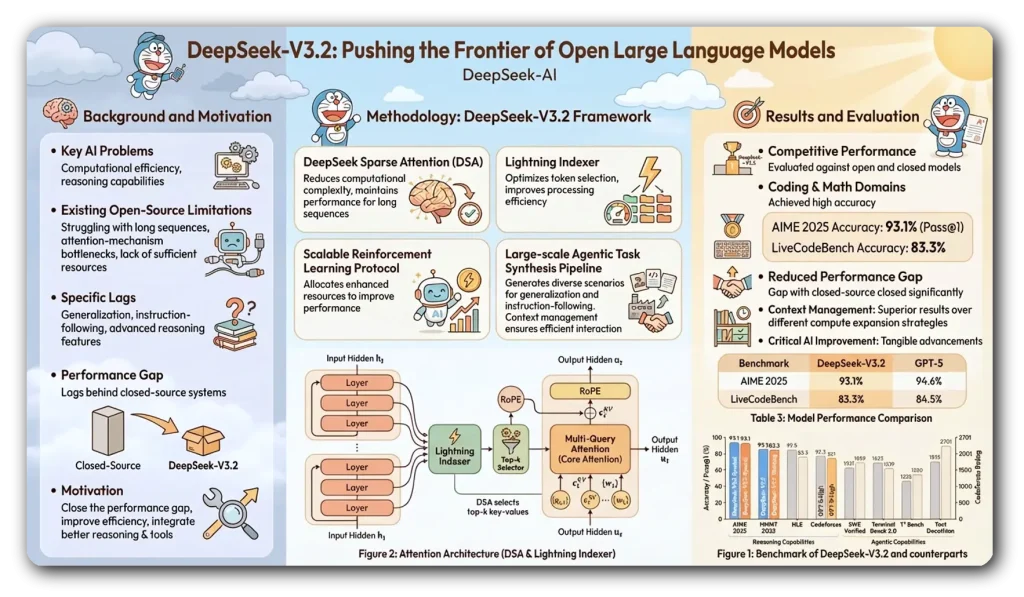
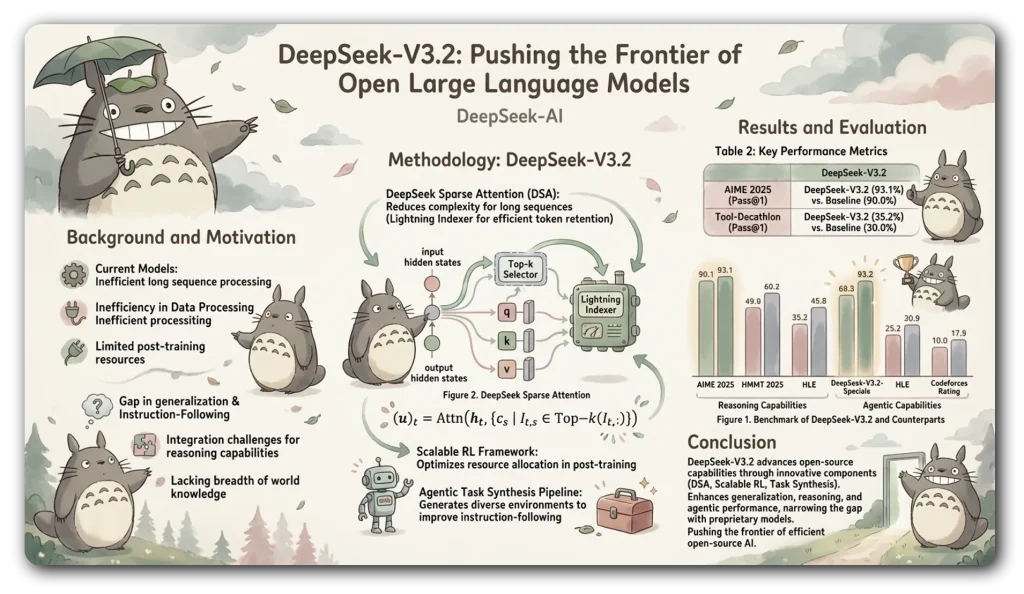
- Custom Styling Options: Choose from built-in themes like “academic” or “doraemon,” or describe your desired aesthetic in natural language.
- Fast Mode: Skip RAG indexing for shorter documents or when you need quick previews.
- Parallel Processing: Use the
--parallelflag to generate multiple slides simultaneously. - Checkpoint System: The tool saves progress automatically at four stages (RAG indexing, content analysis, layout planning, and image generation). You can resume from any stage, change styles without reprocessing content, or regenerate images while keeping the same layout plan.
- Session Management: All project data gets organized in a clear directory structure. You can list previous projects, resume interrupted work, or create variations of existing presentations.
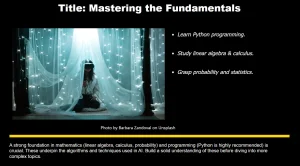
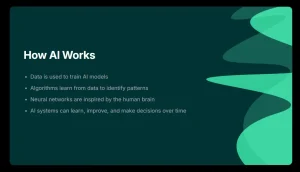
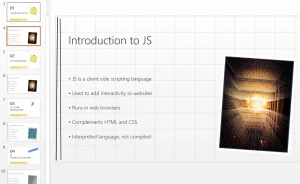
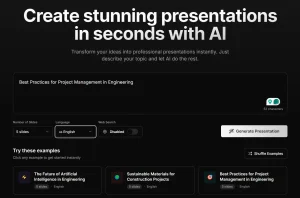
ShowCase
Use Cases
- Academic Conference Preparation: Transform your latest paper submission into a standard 15-minute presentation slide deck in minutes, complete with extracted figures and cited data.
- Lecture or Lab Meeting Material: Quickly create visually coherent teaching slides from a textbook chapter or a cluster of related research papers for student instruction.
- Research Poster Creation: Generate a well-structured academic poster from a paper’s abstract, results, and conclusion sections, formatted for printing.
- Internal Team Briefings: Convert lengthy project reports or technical documentation into concise summary slides for stakeholder updates.
- Thesis Defense Practice: Produce multiple presentation versions from your dissertation to practice talks of different lengths and for different audiences.
How To Use It
1. Clone the GitHub repository and create a Python environment. Paper2Slides requires Python 3.12 or newer.
git clone https://github.com/HKUDS/Paper2Slides.git
cd Paper2Slides
conda create -n paper2slides python=3.12 -y
conda activate paper2slides
pip install -r requirements.txt
2. Create a .env file in the paper2slides/ directory with your API keys. The repository includes a .env.example file showing which variables you need. Paper2Slides uses Gemini for image generation, so you’ll need a Google AI API key at minimum.
# Open AI
RAG_LLM_API_KEY=""
RAG_LLM_BASE_URL=""

# OpenRouter
IMAGE_GEN_API_KEY=""
IMAGE_GEN_BASE_URL=""
3. Use the paper2slides command to take an input file and generate slides:
python -m paper2slides --input paper.pdf --output slides --length mediumThis command processes paper.pdf, generates medium-length slides, and saves everything in the outputs directory. The tool creates a project folder named after your input file and organizes all checkpoints and generated images there.
4. Switch to poster mode by changing the output parameter:
python -m paper2slides --input paper.pdf --output poster --density mediumPosters use density settings (sparse, medium, dense) instead of length. Dense posters include more content per layout, while sparse posters focus on key highlights.
5. Specify built-in themes or describe custom aesthetics:
python -m paper2slides --input paper.pdf --output slides --style academic --length medium6. For custom styles, wrap your description in quotes:
python -m paper2slides --input paper.pdf --output poster --style "minimalist with blue theme and clean typography"7. Add the --fast flag to skip RAG indexing:
python -m paper2slides --input short_report.pdf --output slides --fastFast mode works best when your document (including all figures and text) fits within the LLM’s context window. Use it for documents under 20 pages or when you need rapid iterations.
8. Speed up generation by processing multiple slides simultaneously:
python -m paper2slides --input paper.pdf --output slides --parallel 4This command uses four parallel workers. The default is two workers when you include --parallel without a number.
9. Paper2Slides saves progress automatically, but you can force restart from specific stages:
# Resume after interruption (auto-detects checkpoint)
python -m paper2slides --input paper.pdf --output slides
# Change style without reprocessing content
python -m paper2slides --input paper.pdf --output slides --style academic --from-stage plan
# Regenerate images with same layout
python -m paper2slides --input paper.pdf --output slides --from-stage generate
# Complete restart
python -m paper2slides --input paper.pdf --output slides --from-stage rag
The checkpoint system stores RAG query results, extracted content, layout plans, and generated images separately. You can modify styling or regenerate visuals without redoing the expensive content extraction steps.
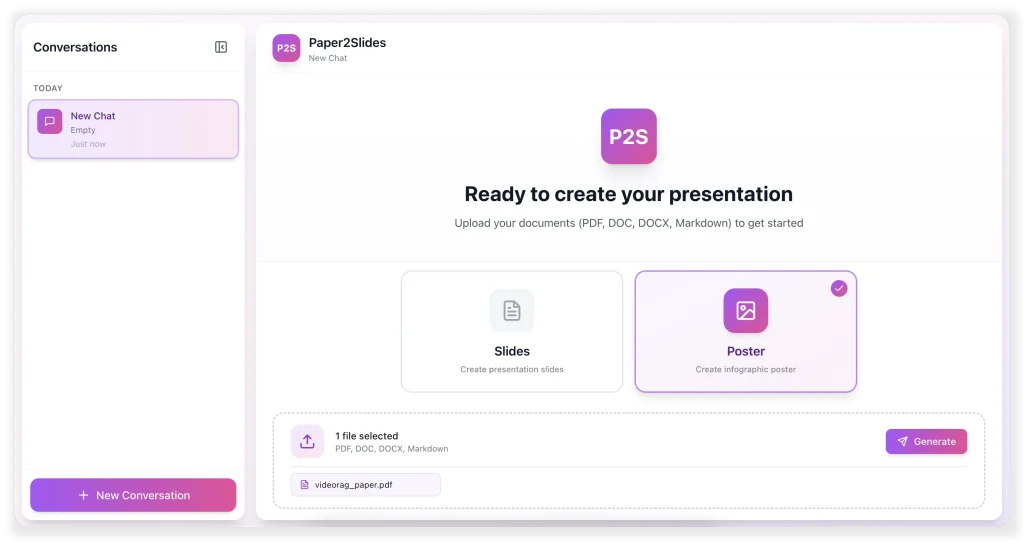
10. Launch both backend and frontend services:
./scripts/start.shThis opens a web dashboard at http://localhost:5173 where you can upload files, select styles, and preview results. The web interface shows progress through each pipeline stage and lets you download generated PDFs.
11. List all processed projects to see what you’ve created:
python -m paper2slides --listEach project maintains its own directory with checkpoints and outputs. You can return to any project and generate new variations by changing style parameters.
Pros
- Open Source and Free: The entire codebase is available under MIT license.
- Multiple File Format Support: Processing PDF, Word, Excel, PowerPoint, and Markdown in one tool.
- Intelligent Content Selection: The RAG system identifies the most relevant figures and data points automatically.
- Resume Capability: Checkpoints mean you never lose progress. Internet disconnections, system crashes, or deliberate interruptions don’t force you to restart from scratch.
- Style Flexibility: You’re not locked into a single aesthetic or template system.
- Source Tracking: Direct links between generated content and original documents help with fact-checking and citation management.
Cons
- API Keys Required: You need external API access (like Google AI for Gemini) to generate images.
- Python Environment Dependency: Installation requires Python environment management.
- Processing Time for Long Documents: Complex research papers with many figures take several minutes even in fast mode. The RAG indexing stage adds time for thorough content extraction.
Related Resources
- LightRAG: Graph-based RAG system developed by the same team. Useful for understanding the retrieval technology underlying Paper2Slides.
- RAG-Anything: Multi-modal RAG framework that handles various content types. Provides context for Paper2Slides’ document processing capabilities.
- Best AI Presentation Makers: The 10 best AI presentation makers that can help you whip up professional slides in no time.
FAQs
Q: Can I use Paper2Slides without any API keys?
A: No, the tool requires API access for image generation. It uses Gemini models by default, which need a Google AI API key.
Q: Can I edit the generated slides before exporting to PDF?
A: You can’t edit content directly within Paper2Slides. The checkpoint system lets you regenerate from earlier stages with different parameters, but post-generation editing requires external tools like PowerPoint or image editors.
Q: How does it handle complex figures and tables from PDFs?
A: The underlying RAG-Anything parser extracts figures and tables during the summary stage. They are stored and referenced in the content plan. During image generation, the tool creates new visualizations based on the described data rather than directly embedding the original image file.
Q: The tool stopped halfway. Do I have to restart?
A: No. The checkpoint system is one of its best features. Just run the exact same command again. It will automatically detect the latest valid checkpoint file and resume the pipeline from that stage.