Convo is an AI-powered meeting assistant that provides real-time support during conversations to help professionals communicate more effectively.
This tool listens to discussions, understands context, and suggests relevant responses when you need them most.
It works as an invisible partner that remembers previous conversations and surfaces important information at critical moments.
Features
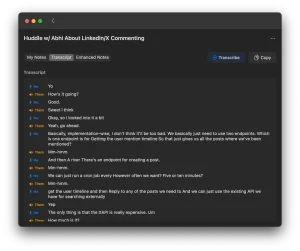
- Real-time transcription: Captures spoken words with high accuracy as the conversation unfolds to create a written record of the entire meeting.
- Contextual suggestions: Analyzes the flow of conversation and recommends specific responses or talking points based on what’s being discussed.
- Historical recall: Searches through past meetings to bring up relevant information mentioned in previous conversations with the same person or company.
- Automatic meeting detection: Recognizes when you join a call and begins recording without manual activation.
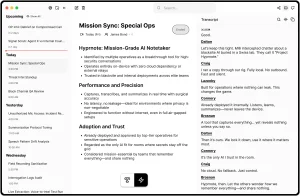
- AI-powered summaries: Generates concise overviews after meetings end, highlighting key discussion points and action items.
- Multi-platform compatibility: Functions across different video conferencing tools and audio sources on macOS.
- Privacy-first design: Processes audio locally on your device and encrypts all data before storage.
- Web dashboard access: Provides a centralized interface to review transcripts, summaries, and conversation analytics.

Use Cases
- Sales presentations: Access previous conversation details and product information during demos without searching through notes. The real-time suggestions help address specific client concerns and objections as they arise, keeping discussions focused and productive.
- Customer success meetings: Recall customer history and previous issues during check-ins to provide more personalized support. This continuity helps build stronger client relationships and demonstrates genuine attention to their specific situation.
- Technical recruiting: Remember candidate skills and previous interview discussions across multiple rounds. This helps ask more targeted questions and avoid repeating previously covered topics throughout the hiring process.
- Team coordination: Track action items and decisions from previous meetings to maintain accountability. The automated summaries help ensure follow-through on commitments across project cycles.
- Client services: Quickly access client preferences and history during conversations to deliver more tailored recommendations. This attention to detail enhances the professional experience during client interactions.

How to Use It
1. Convo’s official website to download & install the macOS application.
2. Create a Convo account using your email address or Google credentials.
3. Join any meeting on platforms like Zoom, Teams, or Google Meet. You can even use it for phone calls.
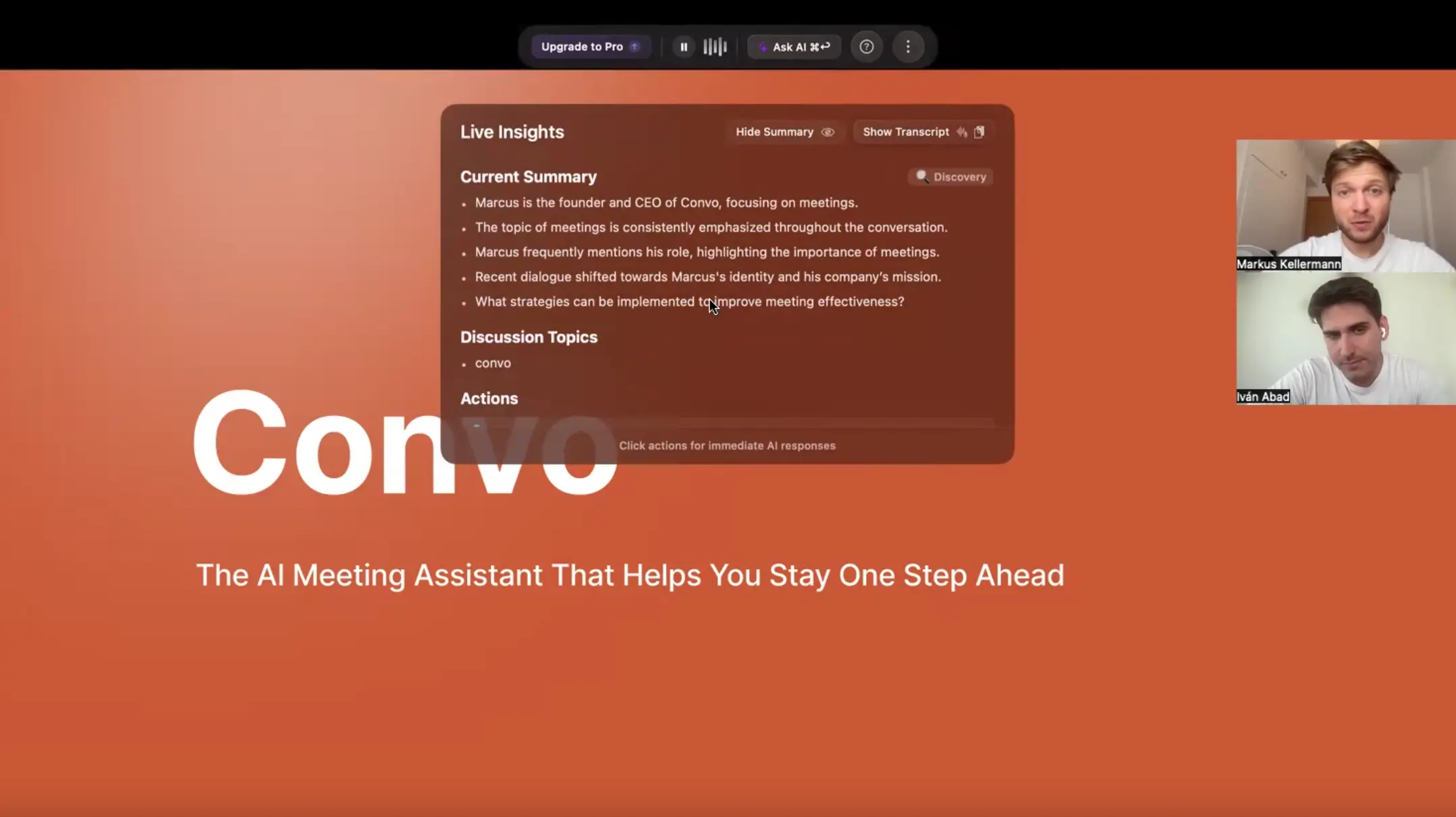
4. Convo runs in the background and automatically detects when you join a meeting. You’ll see a subtle overlay on your screen showing real-time transcription. As the conversation progresses, relevant suggestions appear in this same interface. You can ask the AI direct questions by typing into the overlay (for example, “What did we discuss about pricing last time?”).
5. After meetings end, access the web dashboard to review full transcripts, read AI-generated summaries, and explore conversation analytics. The dashboard organizes meetings chronologically and lets you search across all your recorded conversations.
Pros
- Works Everywhere: It’s compatible with any meeting platform, which is a huge plus.
- Accurate and Smart: The transcription is highly accurate, and the AI summaries are genuinely useful.
- Completely Discreet: Other participants have no idea you’re using it, which helps maintain a natural conversation flow.
- Affordable: The pricing is reasonable for both individuals and teams, with a free starter plan.
- Great Support: The customer support team is responsive and helpful.
Cons
- Internet dependency: Real-time processing requires a stable connection. If your internet drops during a meeting, the AI features stop working until connectivity returns.
- Audio quality sensitivity: Background noise or poor microphone quality degrades transcription accuracy. The tool performs best in quiet environments with clear audio input.
- Mac-only availability: Currently limited to macOS, which excludes Windows and Linux users from accessing the platform.
FAQs
Q: How does Convo protect my conversation privacy?
A: Convo states that privacy is a top priority. They use end-to-end encryption and have a policy of never selling user data.
Q: Can other participants tell I’m using Convo?
A: No. The application is designed to be completely invisible to other people in the meeting. It runs locally on your Mac and appears as a subtle overlay only on your screen.
Q: How fast are the suggestions during live calls?
A: The intelligent response suggestions are provided in under 5 seconds. The AI is optimized for real-time analysis to give you instant guidance.
Q: What makes Convo different from other AI meeting tools?
A: Unlike tools that only provide analysis after a call, Convo offers real-time suggestions while you are actively in a conversation. It remembers details from previous interactions to provide context-aware guidance when it’s most impactful.