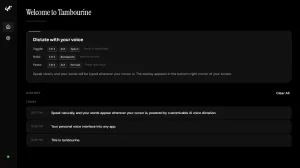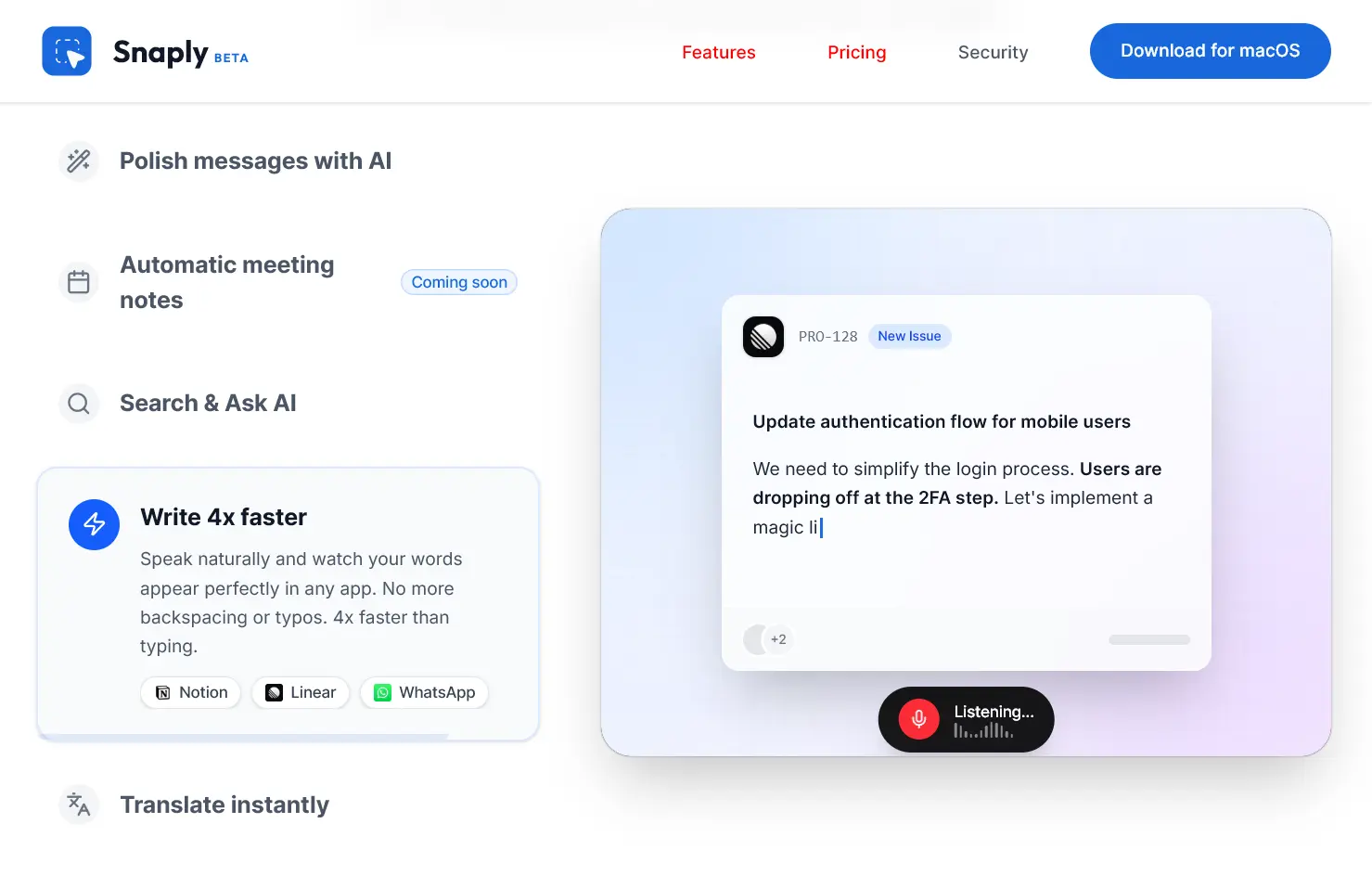
Snaply is a free AI dictation app for macOS that runs completely on your device. It utilizes local Whisper models to transcribe speech in real-time across any Mac application, without sending your voice data to the cloud.
Press a keyboard shortcut, speak, and your words appear instantly where your cursor sits. Snaply handles grammar corrections and text refinement automatically.
The app currently supports over 25 languages and works 100% offline, as all processing occurs on your Mac’s hardware.
Features
- Instant Local Dictation: Press your chosen shortcut key, speak naturally, and watch text appear in real time.
- Automatic Grammar and Punctuation: The AI cleans up your speech automatically. It removes filler words like “um” and “uh,” adds proper punctuation, and structures sentences correctly.
- AI Text Enhancement Modes: Four built-in modes transform your dictation. “Improve” makes text more professional for emails. “Polish” refines grammar and style. “Format” structures content with proper organization.
- Chat Mode for Iterative Editing: Start a conversation with the AI about your text. Ask it to translate content, adjust tone, or modify specific phrases.
- Multi-Language Support: Dictate in 25+ languages, including Spanish, German, French, Italian, Portuguese, Russian, and Ukrainian.
- Automatic Meeting Notes: The upcoming feature joins calendar meetings, transcribes conversations in real time, and generates structured summaries with action items.
- Complete Privacy: 100% of your voice recordings stay on your Mac. The Whisper models run locally using your device’s Neural Engine.
- Works Everywhere: Type into Notion, compose emails in Gmail, write code in your IDE, send Slack messages.
Use Cases
- Email and Message Composition: Speak rough drafts of professional emails and Snaply transforms them into polished messages. The grammar correction removes verbal fillers and structures sentences properly.
- Code Documentation and Comments: Dictate code comments, technical documentation, and README files while your hands stay on the keyboard for actual coding.
- Meeting Follow-ups and Notes: Record your thoughts immediately after meetings while details are fresh. Dictate action items, decisions, and next steps directly into project management tools.
- Content Creation and Writing: Draft blog posts, articles, and creative writing by speaking your ideas. The 4x speed advantage over typing helps capture thoughts before they slip away.
- Multilingual Communication: Speak in your native language and have Snaply type it out in another language for international team communication.
How To Use It
1. Download Snaply from its official website and install the Mac application. The app requires macOS with Apple Silicon (M1, M2, M3 chips or newer). Intel Macs don’t support the Neural Engine processing that Snaply relies on.
2. Open Snaply and grant the required accessibility permissions when macOS prompts you. These permissions let Snaply type text into other applications. You’ll also need to approve microphone access.
3. Position your cursor in any text field across any Mac application. Press and hold your shortcut key, then start speaking. Release the key when you finish. Text appears instantly in the field.

4. Select existing text and use the keyboard shortcut to activate enhancement modes. Press the shortcut, then say “improve” or “polish” or use your custom mode name. The AI rewrites the selected text according to the mode’s rules.

Pros
- Privacy: Data remains on the device at all times.
- Zero Latency: No network latency means instant transcription.
- 100% Free: The app is free for individual users forever.
- Offline: You can use the core dictation features without an internet connection.
- High Accuracy: It utilizes industry-leading Whisper models for precise transcription.
Cons
- Platform Limitation: The app is currently available only for macOS.
- System Resources: Local AI models consume CPU and RAM, which may impact battery life on older MacBooks.
Related Resources
- Whisper by OpenAI: Explore the open-source speech recognition model that powers Snaply’s transcription engine.
FAQs
Q: Can I use Snaply commercially or is it limited to personal use?
A: The free individual plan works for personal and commercial use without restrictions. Snaply offers paid Professional ($5/month) and Enterprise ($12/month) tiers that add features like unlimited transcription duration, meeting notes history, and admin dashboards.
Q: How accurate is the transcription compared to typing manually?
A: Accuracy depends on your speaking clarity and microphone quality. The underlying Whisper model is industry-leading for speech recognition. In my testing, technical terms and proper names occasionally need correction, but general dictation accuracy exceeds 95%.
Q: What happens to my voice data and can Snaply’s developers access it?
A: Zero access. Your voice recordings never leave your Mac because all processing happens locally on your device’s hardware.
Q: Can I switch between languages mid-dictation or do I need to change settings first?
A: You need to change the language setting before dictating in a different language. Snaply doesn’t support automatic language switching within a single dictation session. Open settings, select your target language, then start dictating.