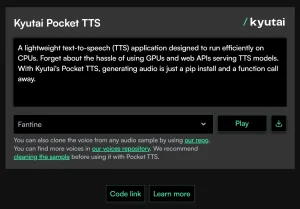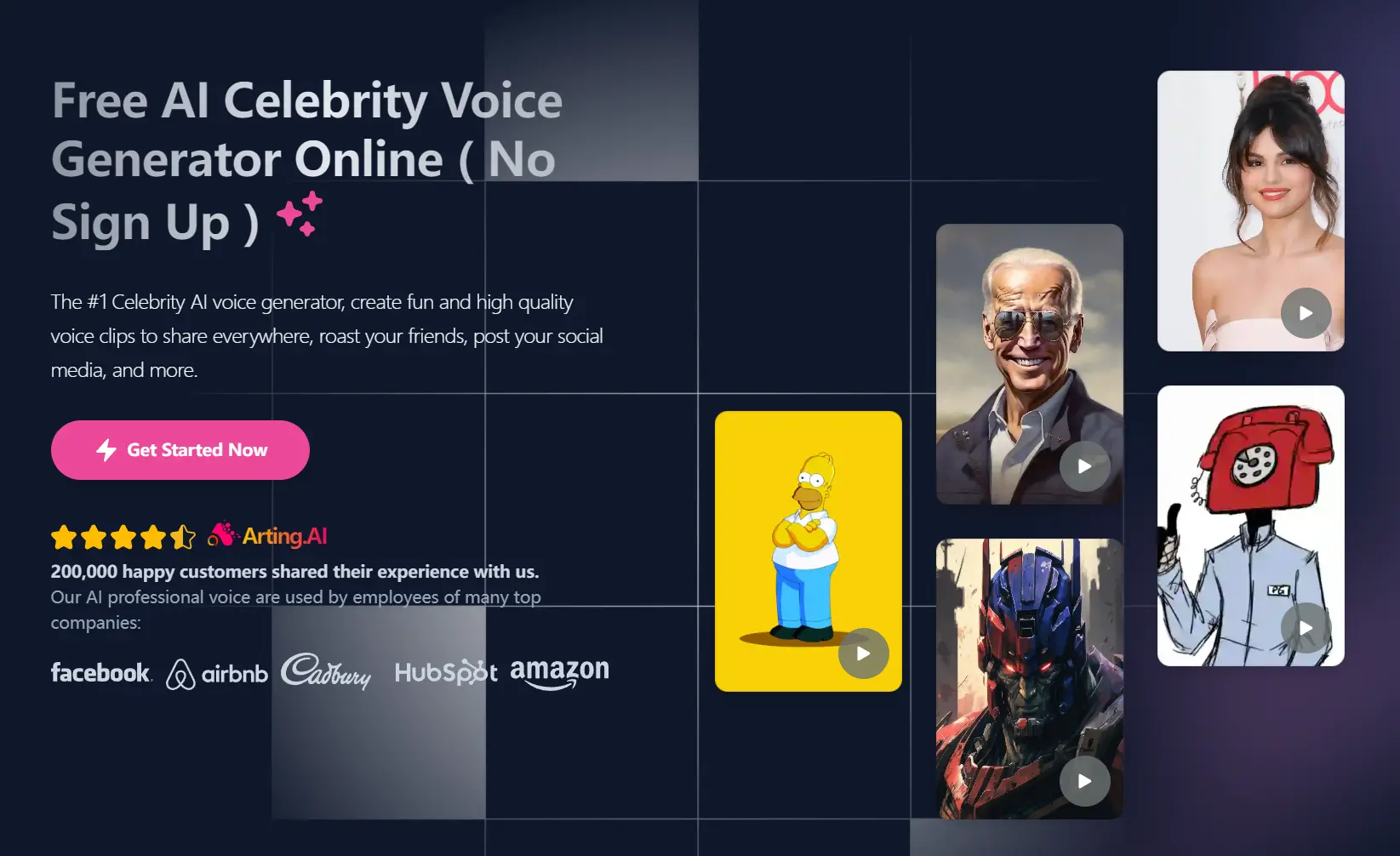
The Free AI Celebrity Voice Generator provides a simple and fun way to create high-quality voice clips using celebrity voices.
You can use text, a YouTube video, or upload an audio file, and the tool will transform it into the voice of your chosen celebrity.
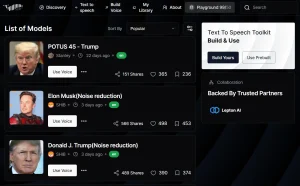
With over 1000 AI-generated voices, you’ll find options from various personalities, including political figures, athletes, entertainers, and characters from anime and video games.
This tool uses deep learning to analyze and understand the nuances of celebrity voices. By studying pitch, intonation, rhythm, and pronunciation, it generates incredibly realistic voice effects.
You can use these voices for advertising, entertainment, film and television, podcasts, and more. The authenticity of the generated voices is remarkably high, approaching 100% realism after AI data analysis and simulation.
For instance, I tested the tool by inputting various texts, and it flawlessly converted them into celebrity voices like those of Donald Trump, Goku, and Ariana Grande.
The output was clear, and the customization options allowed me to adjust parameters such as pitch and speed, making the result fit my exact preferences.
How to use it:
1. Go to the Free AI Celebrity Voice Generator website.
2. Paste the text, enter a YouTube video URL, or upload an audio file you want to convert.
3. Select a celebrity voice from the options on the left sidebar. You can preview any voice by clicking on the name.
4. Click the “Generate” button to start the conversion process. Please note that the conversion may take some time, so be patient and avoid closing or refreshing the page.
5. Once the voice is ready, you can listen to it on the page or download it as an MP3 file for use in your projects.

FAQs:
Q: Can I customize the voice output?
A: Yes, you can adjust parameters such as pitch, speed, and emotional tone to fine-tune the voice to your needs.
Q: Does the AI Celebrity Voice Generator support multiple languages?
A: Yes, it supports over 130 language models, allowing for diverse linguistic applications.
Q: How can I improve the quality of the generated voice?
A: Providing clear and well-written text can significantly improve the quality of the generated voice. You can also experiment with adjusting the customization options, such as pitch and speed.