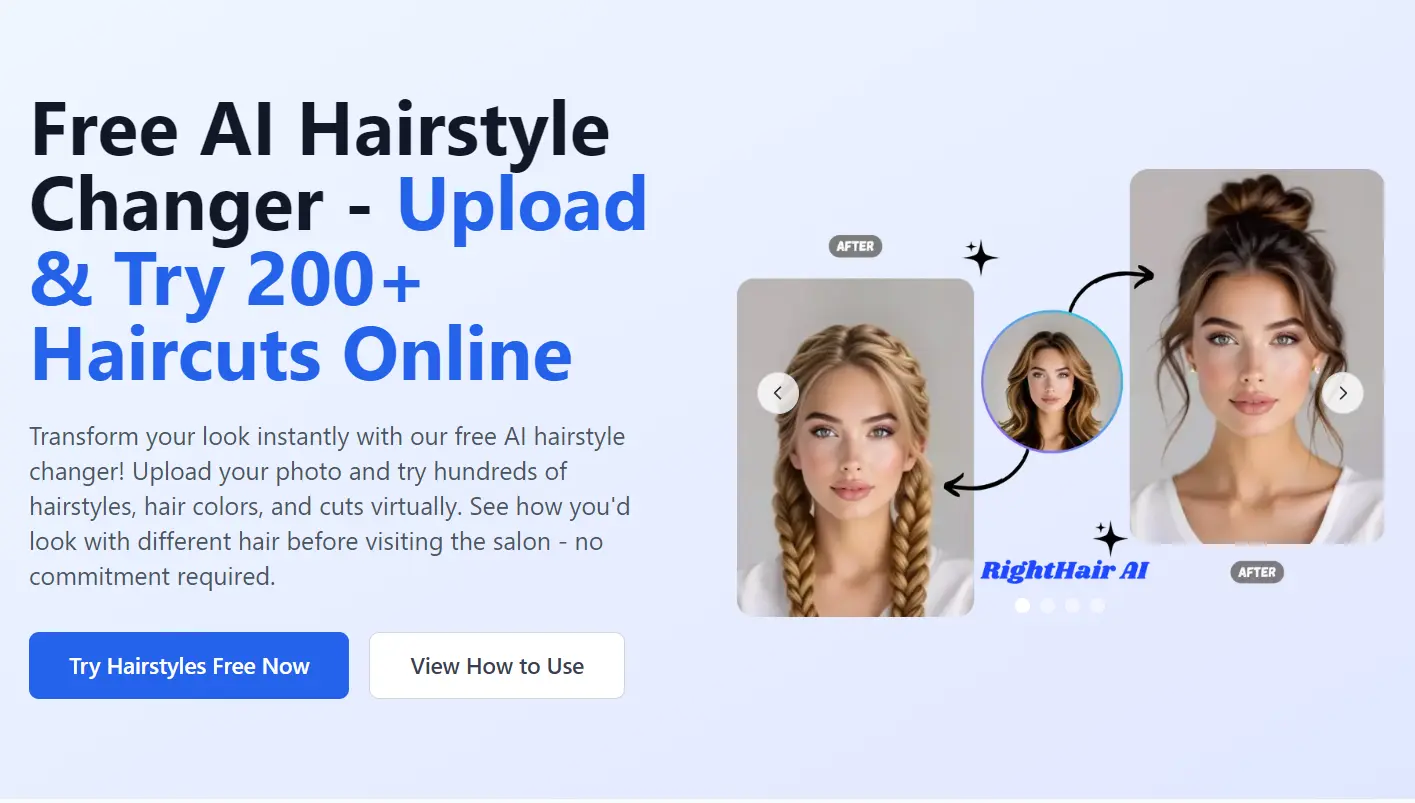
RightHair is a free AI-powered hairstyle simulator that lets you virtually try on different haircuts and colors using your own photo.
No apps, no signups, just upload a photo, pick a style, and see how different styles would actually look on you.
Features
- 200+ hairstyle and hair color combinations: classic bobs, curtain bangs, undercuts, mullets, kids’ cuts, bridal up-dos, and fantasy colors.
- Sub-30-second processing: machine-learning pipeline runs in the cloud and returns a 1024×1024 PNG.
- Zero data retention: uploads and generated images auto-delete after 24 hours.
- High-res export: one-click download plus a private history page that stores your last ten generations.
- Color-only mode: keep your cut, swap the shade, useful when you’re torn between caramel balayage or copper.
Preview
Use Cases
- Pre-salon sanity check: upload yesterday’s selfie, test the pixie you saw on TikTok, and hand the stylist the winner.
- Wedding prep: brides and bridesmaids cycle through up-dos and veils without booking multiple trials.
- Post-breakup refresh: visualize a dramatic change (lavender bob, bleach-blonde buzz) without touching bleach.
- Kids’ first haircut: show a nervous eight-year-old how a fade actually looks before the clippers come out.
- Professional headshots: try conservative cuts or subtle highlights that still read “boardroom ready.”
How to Use It
1. Upload a clear, front-facing photo of yourself. You can drag and drop the image file or select it from your device.
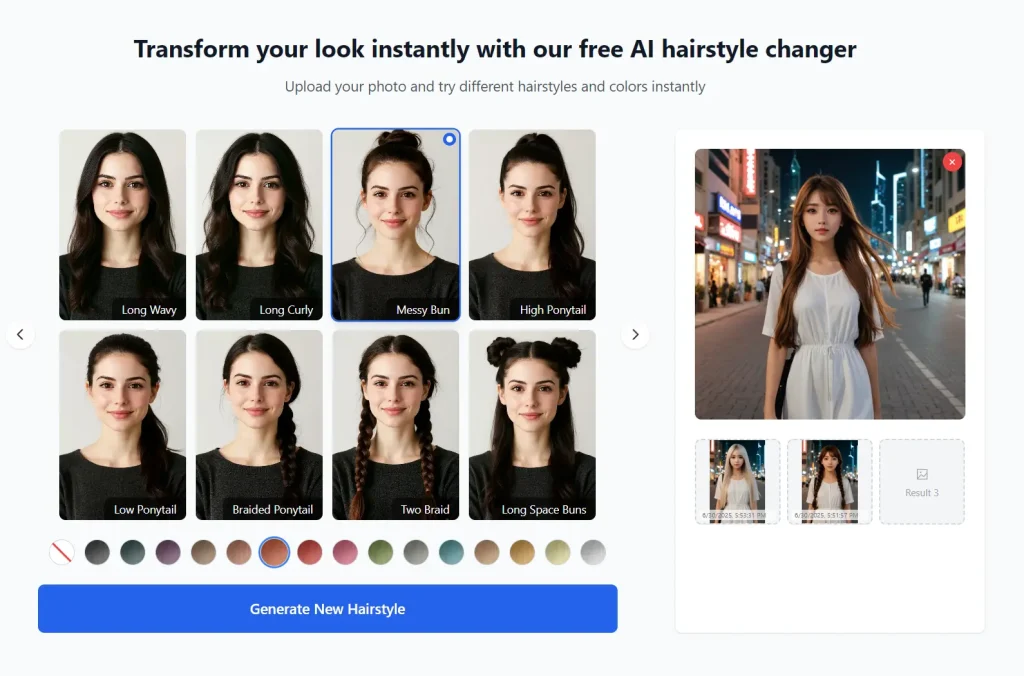
2. Browse through the collection of hairstyles and colors. Select the one you want to try. Click the generate button to start the process.
3. Within 30 seconds, the tool will generate the new look. If you’re happy with the result, you can download the image to save or share it.
Pros
- Completely free, no watermark.
- No signup = zero spam.
- Realistic lighting and shadow matching for most face shapes.
Cons
- Maximum 30 MB file size can choke DSLR RAW exports.
- Hairline errors on extreme side-part selfies.
- No batch mode. One image at a time.
FAQs
Q: How realistic are the hairstyle simulations?
A: From my experience, the simulations are about 85-90% accurate for straight to wavy hair types. Curly textures don’t translate as well because the AI has trouble replicating natural curl patterns.
Q: Do I need a professional photo for good results?
A: Not at all. I’ve used everything from iPhone selfies to old Facebook photos with decent results. Just make sure your face and hairline are clearly visible without hats or major shadows. Natural lighting works better than flash photography.
Q: Does it work with glasses or hats?
A: Usually. Thick-rimmed glasses sometimes confuse the segmentation model, and you’ll see hair floating in front of the frames. Removing glasses for the selfie fixes it.