Skill Seeker is an open-source automated tool that transforms any documentation website into a production-ready Claude skill.
It scrapes a documentation site, organizes the content, uses AI to pull out key examples and concepts, and then packages it all into a zip file you can upload directly to Claude’s Skill folder.
Features
- Universal web scraper: Automatically works with any documentation website without requiring configuration specific to that site’s structure.
- AI-powered enhancement: Transforms basic documentation templates into comprehensive guides by extracting real code examples and patterns from the scraped content.
- MCP server integration: Connects directly to MCP clients, allowing you to generate skills using natural language commands instead of terminal commands.
- Large documentation support: Handles documentation sites with 10,000 to 40,000+ pages by intelligently splitting them into focused sub-skills.
- Router and hub skills: Automatically creates intelligent routing when dealing with massive documentation, directing user questions to the appropriate specialized skill.
- Eight pre-configured presets: Ready-to-use configurations for Godot, React, Vue, Django, FastAPI, and other popular frameworks.
- Smart content categorization: Automatically organizes scraped content into logical topic areas based on URL structure and page titles.
- Code language detection: Identifies programming languages in code blocks (Python, JavaScript, GDScript, C++, and others) and annotates them accordingly.
- No API costs: Uses Claude Code Max for local enhancement, keeping all processing costs at zero.
- Checkpoint and resume functionality: Saves progress automatically during long scrapes, allowing you to pause and resume without losing work.
- Parallel processing: Scrape multiple skills simultaneously to speed up batch workflows.
- Caching system: Once documentation is scraped, rebuild the skill instantly without re-scraping.
- Fully tested codebase: Includes 96 tests with 100% pass rate, ensuring reliability.
Use Cases
- Framework documentation conversion: Quickly create Claude skills for React, Vue, or Django documentation for team onboarding.
- Internal API documentation: Transform company API docs into Claude skills for new developer training.
- Learning resource creation: Convert technology documentation into structured learning aids for students.
- Technical team enablement: Provide entire development teams with consistent, up-to-date Claude skills for shared tools.
How To Use It
There are a couple of ways to get Skill Seeker running, and you can pick the one that best fits your workflow. The MCP server integration with Claude Code is the most streamlined, but the traditional command-line interface (CLI) is just as powerful and direct.
Using the MCP Server with Claude Code (Easiest)
1. Run the setup script in your terminal.
./setup_mcp.sh2. Restart Claude Code to load the new tools.
3. Now you can just tell Claude Code what to do. For example:
List all available configsGenerate config for Tailwind at https://tailwindcss.com/docsScrape docs using configs/react.jsonPackage and upload the React skill
The benefit here is that it’s fully integrated into your workflow and feels more like directing an assistant than running a script.
Using the CLI Directly (Traditional Approach)
If you’re comfortable in the terminal, the CLI gives you full control over the process.
1. Install Dependencies:
pip3 install requests beautifulsoup42. Scrape and Enhance the Documentation. Using React as an example, run the following command. I strongly suggest including the --enhance-local flag. It uses your local Claude Code Max to improve the skill’s SKILL.md file, which results in a much higher quality output at no extra cost.
bash python3 cli/doc_scraper.py --config configs/react.json --enhance-local3. The tool will open a new terminal window to perform the AI enhancement. Just wait for this new window to close on its own; that signals the process is complete.
4. Once the scraping and enhancement are done, you have all the necessary files. Now you just need to bundle them into a .zip file that Claude can understand.
python3 cli/package_skill.py output/react/5 You’ll find a react.zip file inside the output/ directory.
Uploading Your Skill to Claude
This is the final step, and you have three options for getting it done.
Option 1: Manual Upload (No API Key Needed)
When you run the package_skill.py script, it creates the .zip file and automatically opens the folder containing it. From there, you just:
- Go to
https://claude.ai/skills. - Click “Upload Skill”.
- Select the
.zipfile you just created.
Option 2: Automatic Upload (Requires API Key)
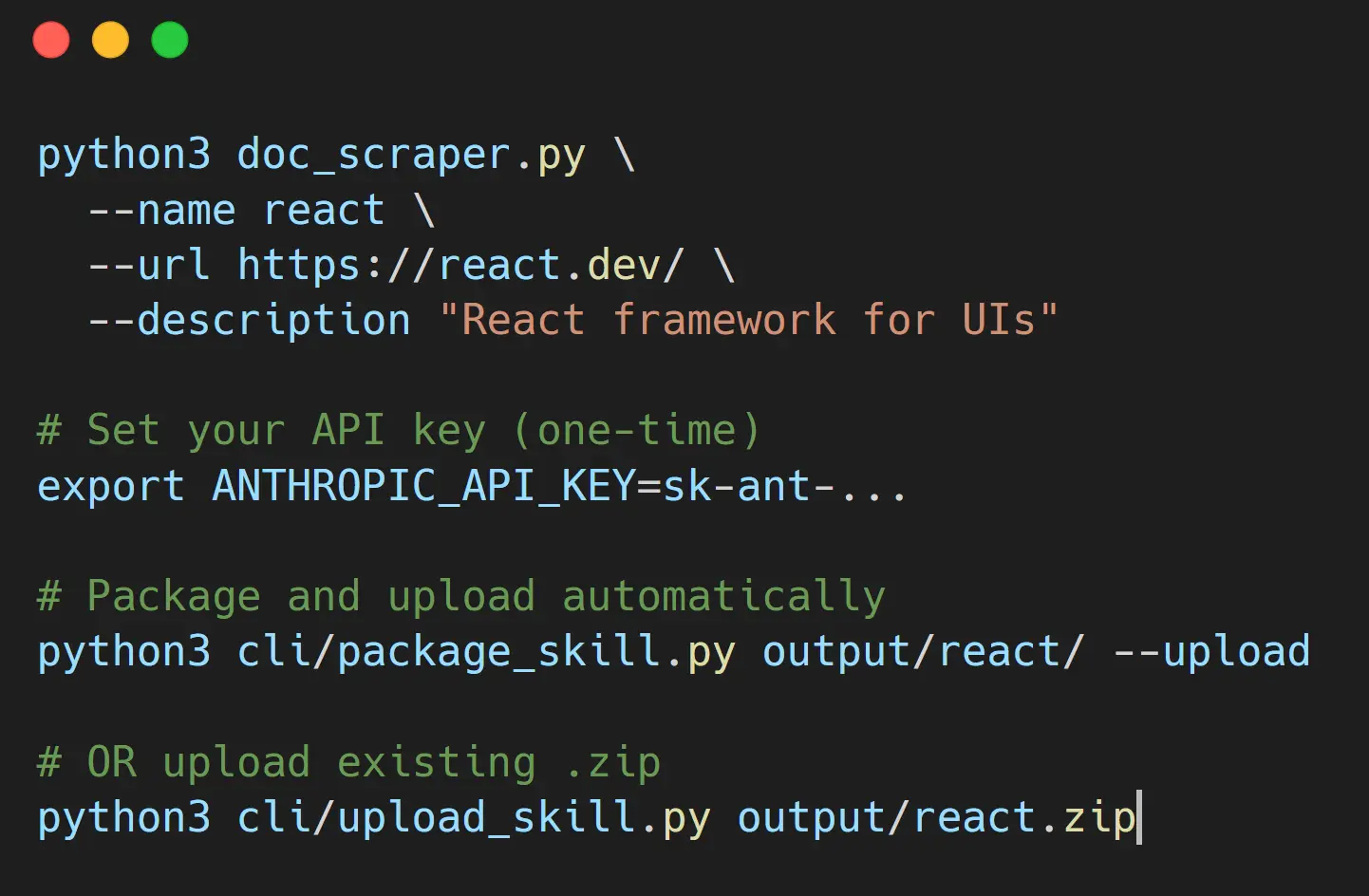
- Set your API key as an environment variable.
export ANTHROPIC_API_KEY=sk-ant-...- Add the
--uploadflag when you package the skill. This command packages the skill and immediately uploads it to your Claude account.
python3 cli/package_skill.py output/react/ --uploadOption 3: Smart Upload via MCP Server
If you’re using Method 1 (the MCP server), the upload process is intelligent.
- If you have an API key set: It will package and upload automatically.
- If you don’t have an API key: It will package the skill, tell you where the
.zipfile is, and provide instructions for manual upload.
Package and upload the React skillPros
- Saves a Ton of Time: It turns a manual, multi-hour process into a mostly automated one that takes less than an hour.
- No Cost: The tool is free and open-source. The local enhancement feature means you don’t even need to pay for API calls.
- High-Quality Output: The AI enhancement feature does a good job of creating a useful
SKILL.mdfile with relevant code examples, which makes the final skill much more powerful. - Handles Large Docs Well: The ability to split large documentation sites into smaller sub-skills is a very smart feature.
- Flexible: You can use the provided presets or create your own configuration for any documentation site.
Cons
- Requires Some Technical Comfort: While it’s designed to be easy to use, you still need to be comfortable working with the command line and Python. It’s not a one-click-and-done web application.
- Initial Setup: The MCP server integration, while powerful, requires a one-time setup that might be a small hurdle for some users.
- Scraping Can Be Slow: The initial scraping process can take a while, especially for large documentation sites.
Related Resources
- Large Documentation Guide: A detailed guide on how to use the tool for massive documentation sites with tens of thousands of pages.
- MCP Setup Guide: Step-by-step instructions for setting up the MCP server to use Skill Seeker with natural language commands in Claude Code.
- Upload Guide: A simple guide that explains the different ways to upload your newly created skill to Claude AI.
- Claude Skills Documentation: Official documentation explaining how Claude skills work and how to use them.
- MCP Servers: A directory of curated & open-source Model Context Protocol servers.
FAQs
Q: What are Claude Skill?
A: Claude Skills are a feature from Anthropic that allows users to create specialized, reusable instruction packages for the Claude AI model. They serve as a form of modular knowledge that Claude can automatically apply to specific tasks, making its performance more consistent and efficient.
Q: Do I need an API key to use Skill Seeker?
A: No, you don’t. For the AI enhancement feature, you can use the --enhance-local option, which leverages your existing Claude Code Max plan without any API costs. If you want to use the automatic upload feature, you will need an Anthropic API key.
Q: What if the documentation site I want to use doesn’t have a preset?
A: You can create your own configuration file. The tool has an interactive mode (python3 doc_scraper.py --interactive) that will walk you through the process of creating a new config file by asking you for the site’s URL, content selectors, and other details.
Q: Can I run multiple scraping jobs at the same time?
A: Yes, you can run multiple scraping processes in parallel, which is especially useful when you’re dealing with large documentation that has been split into several sub-skills.
Q: How long does it actually take to generate a skill?
A: Initial scraping typically takes 20 to 40 minutes depending on documentation site size and complexity. If you’ve already scraped the documentation, rebuilding the skill takes just 1 to 3 minutes. AI enhancement adds another 30 to 60 seconds. Overall, your first skill from a new documentation site is ready in roughly 21 to 41 minutes.
Q: Can I use Skill Seeker with proprietary or internal documentation?
A: Yes. As long as your documentation is accessible via HTTP from your machine, Skill Seeker can scrape it. This works well for internal wikis, company documentation sites, or password-protected sites if you’re running the tool from a machine that can access them.
Q: What happens if my scraping gets interrupted?
A: If you’ve enabled checkpoints in your configuration, the tool saves progress every 1,000 pages (or whatever interval you set). If scraping is interrupted, you can resume from the last checkpoint using the --resume flag. Without checkpoints enabled, the tool will restart from the beginning.