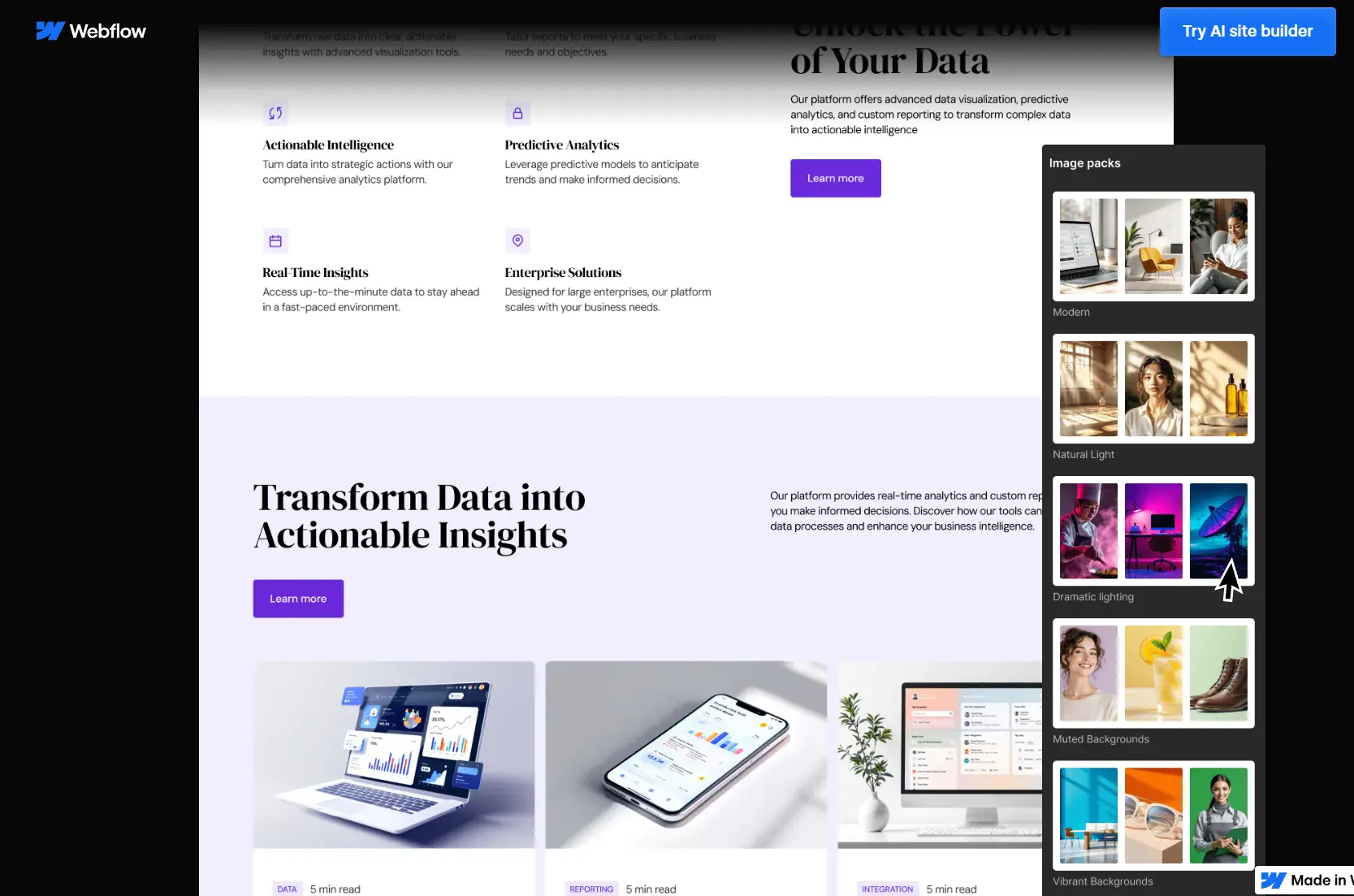
Webflow AI Site Builder is a free AI-powered website builder that builds production-grade, full-stack websites right inside of Webflow.
It uses your input about a business or project to generate a complete homepage layout, complete with a design system that incorporates your brand’s visual identity and content structure.
Example Site: https://scriptbyai.webflow.io/
The AI doesn’t just generate a static web template. It builds within Webflow’s native environment. This means the output uses your actual components and CMS collections.
You get a functional website/webapp that you can then edit and expand using the full power of Webflow’s visual editor and the integrated AI Assistant.
Features
- AI-powered site generation: Transforms a text description of your business into a fully structured homepage and style guide.
- Native Webflow integration: The generated site is built with real Webflow elements, components, and classes for further editing.
- Design system creation: Automatically defines a consistent set of styles for colors, fonts, buttons, and other elements based on your brand.
- Brand voice and tone control: You can specify the personality of your site’s copy during the initial setup.
- In-platform AI Assistant: After generation, you can use the AI Assistant to build new sections, edit CMS items, and get help directly in the designer.
- Free hosting on Webflow: You can publish and host your generated site on a webflow.io subdomain at no cost.
How To Use It
1. Log in to Webflow.com and access to Webflow AI Site Builder.
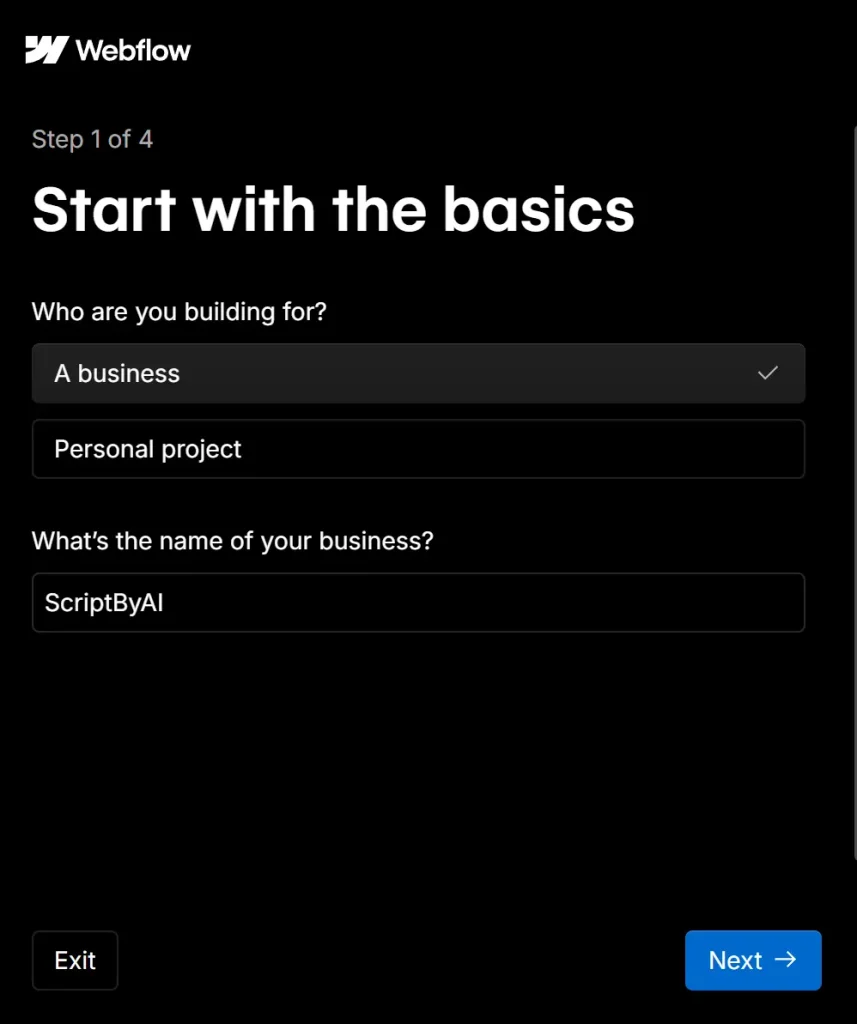
2. Select Who are you building for (a business or a personal project) and enter the name of your business.
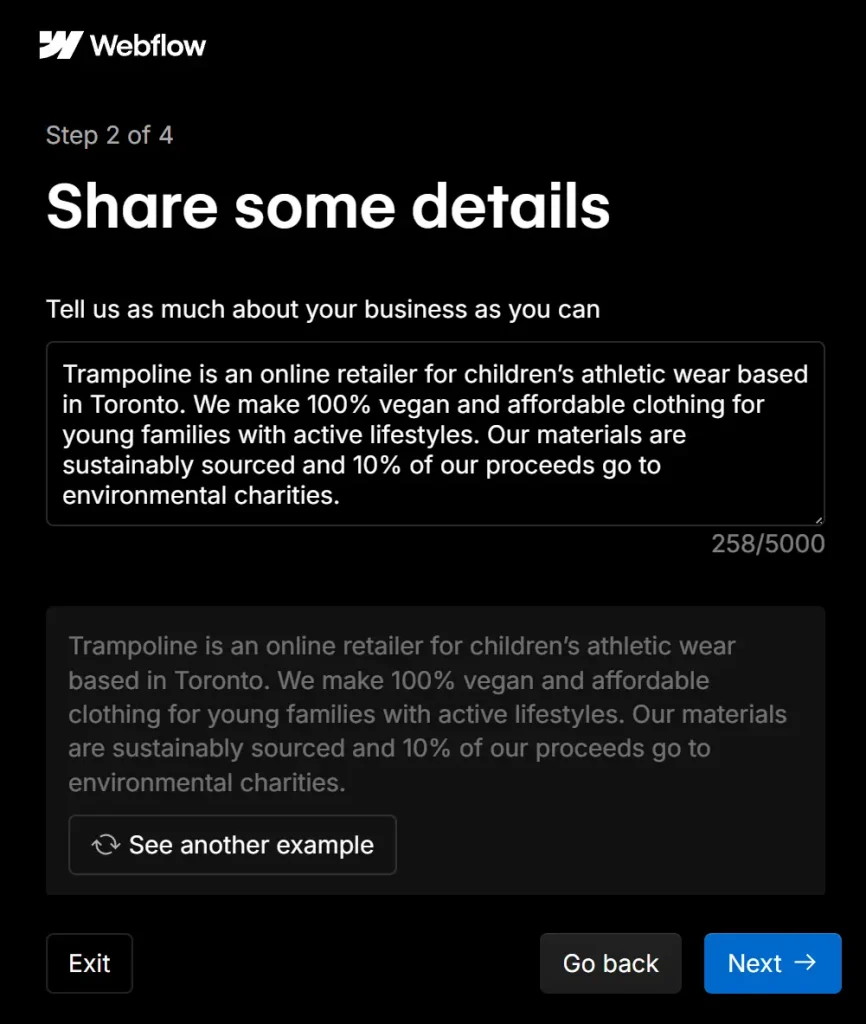
3. Tell the AI as much about your business as you can. Be specific about functionality, data sources, and user interactions. For example:
Trampoline is an online retailer for children's athletic wear basedin Toronto.We make 100% vegan and affordable clothing foryoung families with active lifestyles. Our materials aresustainably sourced and 10% of our proceeds go toenvironmental charities.
4. Review your site structure and edit the layout of your site’s homepage.
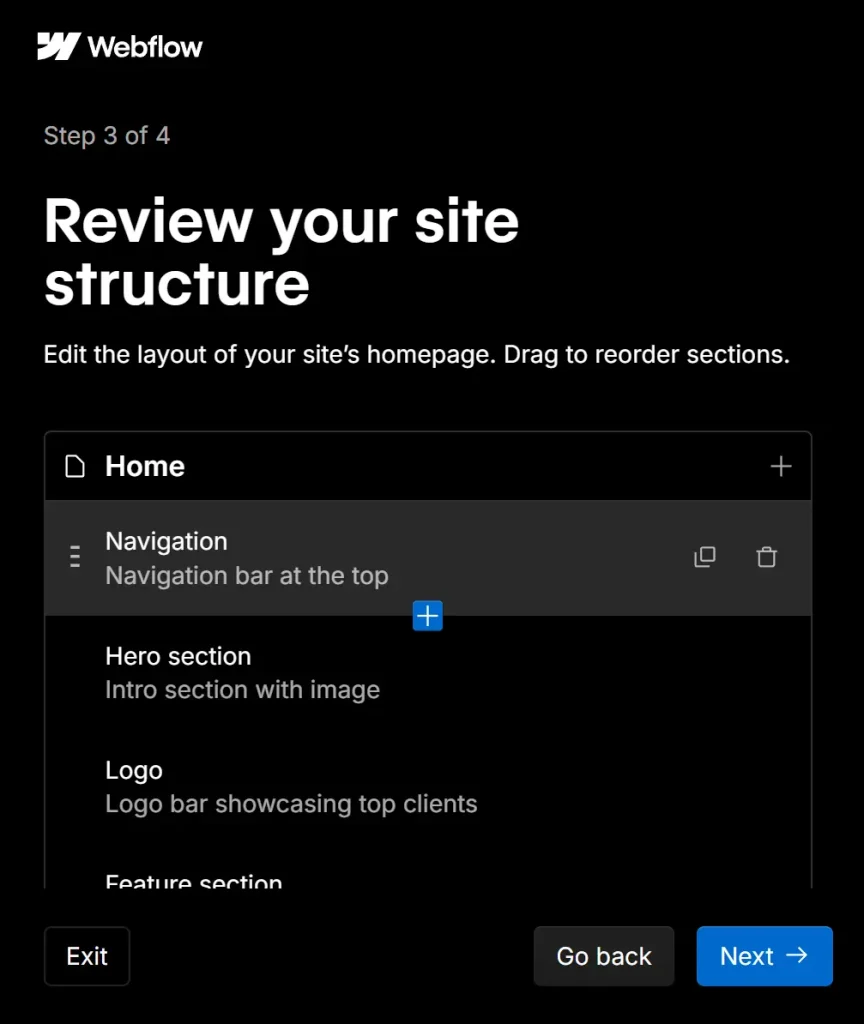
5. Define your site’s style. You can choose from pre-defined styles or let the AI decide based on your description. You’ll set the brand style, primary background, brand voice, and primary color.
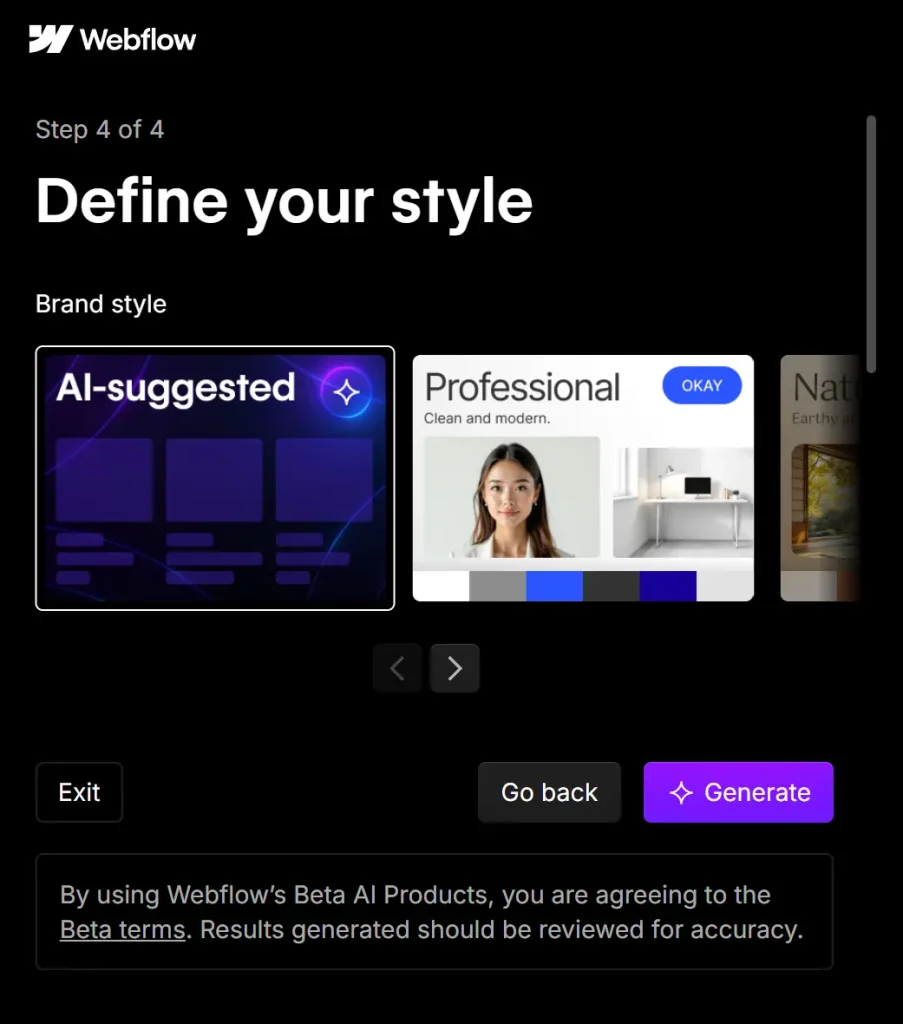
6. Click ‘Generate’. The AI will build your site, a process that typically takes under a minute. Once generated, you’ll see a preview of your site. Here, you can further customize the theme, colors, buttons, fonts, and more.
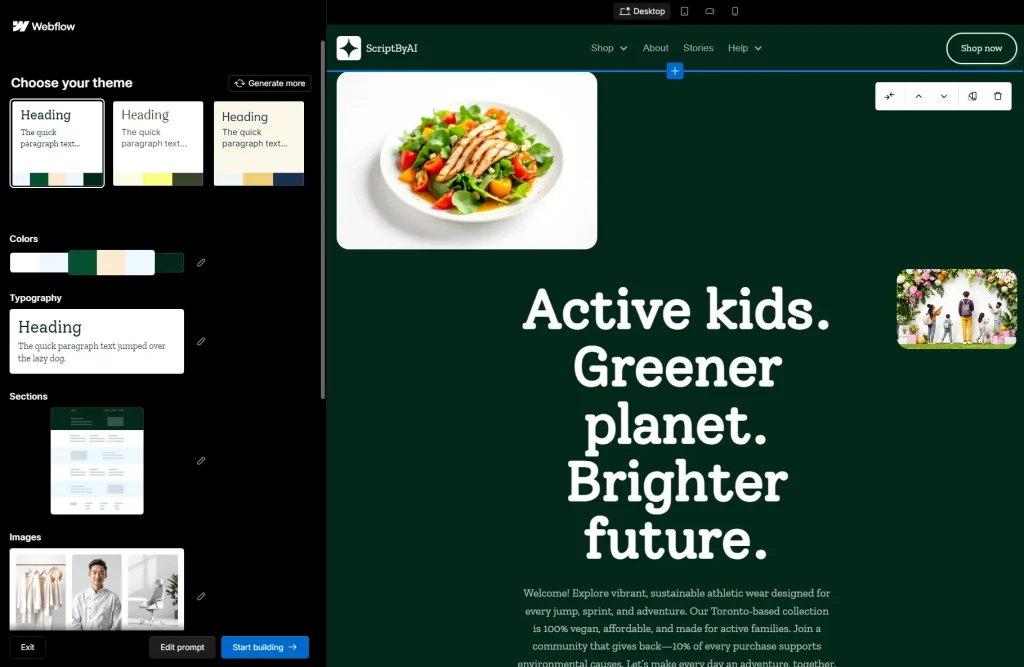
7. When you’re satisfied, click ‘Start Building’ to enter the main Webflow Designer for more in-depth edits to content and elements.
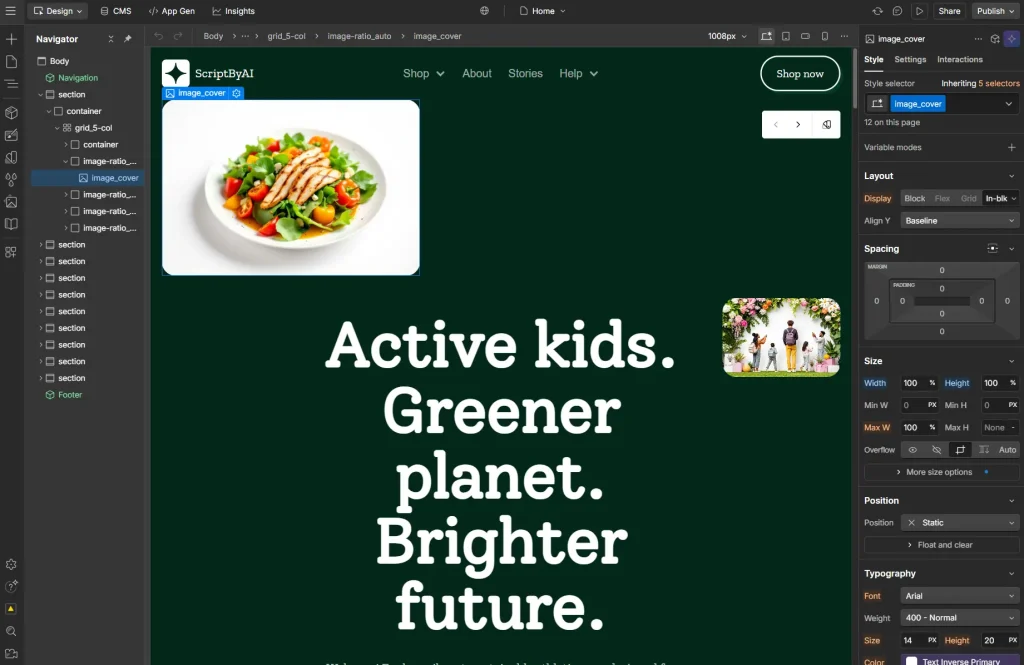
8. Click the ‘Publish’ button in the top right corner to deploy your site to a Webflow.io subdomain.
Pros
- Rapid prototyping: Goes from concept to a tangible, editable site draft almost instantly.
- Brand consistency: The auto-generated design system helps maintain a professional look across all elements.
- No coding required: The entire process, from generation to fine-tuning, happens in a visual interface.
- Free to start: You can build and host a complete website on a Webflow subdomain without paying anything.
Cons
- Platform lock-in: The generated site can only be hosted on Webflow. You cannot export the code to host elsewhere unless you are on a specific paid plan.
- Custom domain requires a paid plan: To use your own domain name (e.g., yourbusiness.com), you must subscribe to a paid Site plan.
- Page limit on free tier: The free Starter plan limits you to two pages.
Related Resources
- Webflow Pricing: Details on the different subscription plans required for connecting a custom domain and unlocking advanced features.
- Webflow AI Site Builder Documentation: Official documentation from Webflow on how to use the AI site builder.
- Webflow AI Assistant Overview: Learn more about more AI tools that Webflow offers.
FAQs
Q: What’s an AI site builder?
A: An AI site builder uses generative AI to develop a professional website, including a functional layout, images, and copy, based on user inputs.
Q: Can I use my own domain?
A: Yes, you can connect a custom domain to any site built with Webflow, including one generated by the AI. This requires a paid Site plan.
Q: Is Webflow’s AI site builder free?
A: The AI site builder is free to use while in beta, and you can host the generated site on a webflow.io subdomain at no cost. However, connecting a custom domain and accessing advanced features requires a paid subscription.
Q: What other capabilities does the Webflow AI Assistant offer?
A: Beyond the site builder, the AI Assistant can help generate and refine copy, modify page designs by adding new sections, create CMS items, and provide contextual help directly within the Webflow platform.
Q: Can I add more pages after the AI generates the homepage?
A: Yes. You can create additional pages using the “Create page with AI” functionality within the Webflow Designer. Be mindful that the free Starter plan is limited to two pages in total.
Q: Do I own the website that the AI generates?
A: You own the content you provide. The generated site is built within your Webflow account, and you maintain control over it, subject to Webflow’s Terms of Service.