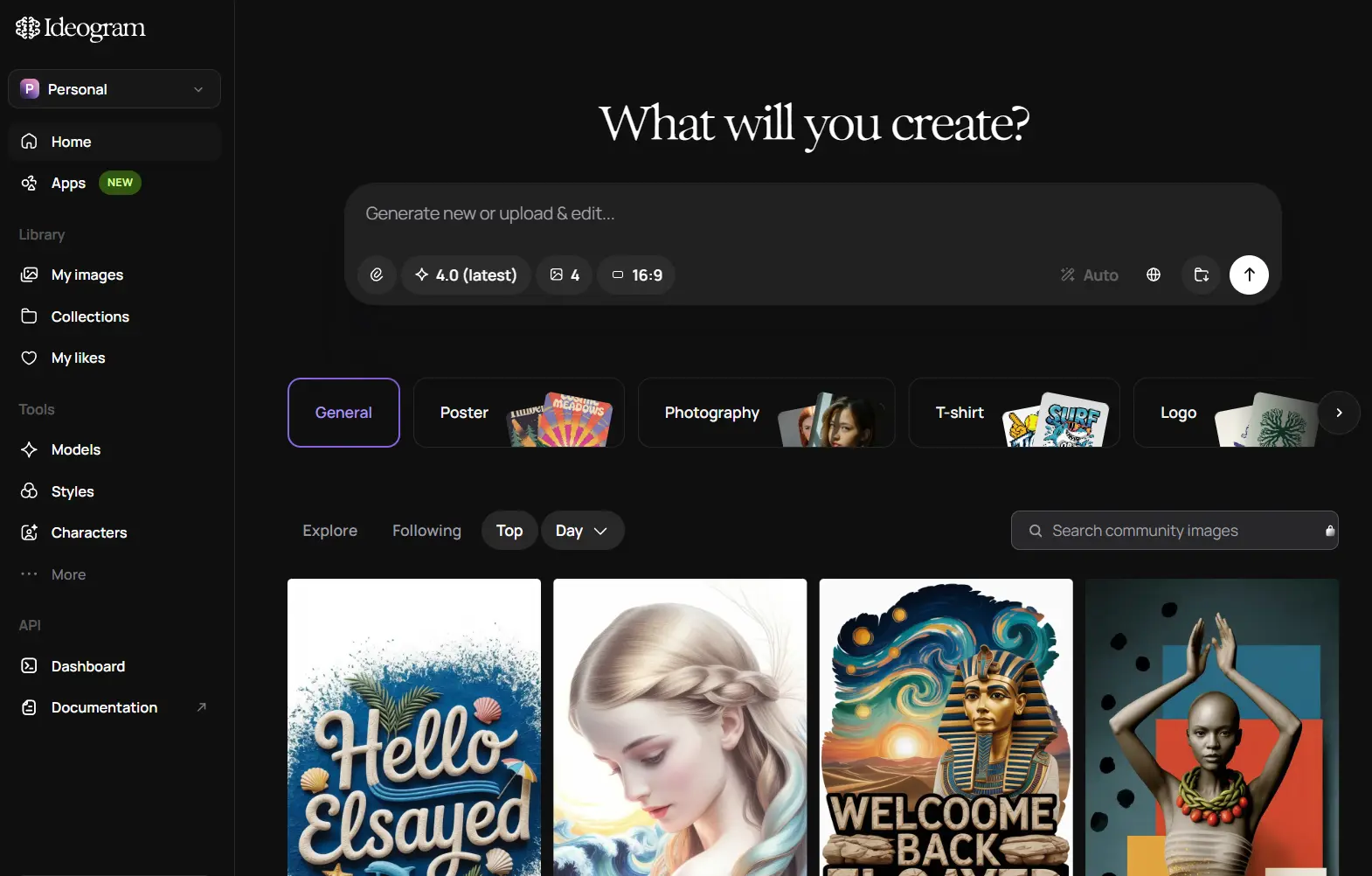
Ideogram AI is a browser-based AI image generator for creating prompt-based images with readable text. It’s ideal for posters, logos, thumbnails, cards, product visuals, and social graphics where the words inside the image need to look intentional.
Most AI image generators can make an attractive picture. The harder task is getting a slogan, label, headline, or logo wordmark to survive the generation process. Ideogram is worth trying when the image depends on typography, layout, color direction, and prompt fidelity as much as visual style.
Features (Free Plan)
- Places readable text inside logos, posters, product graphics, and layout-heavy designs.
- Expands short prompts through Magic Prompt.
- Style controls for different visual directions.
- Aspect-ratio presets.
- Preset color palettes.
- Search image generation history.
- Includes Image Remix.
- Includes two Canvas workspaces.
Free Plan and Limits
Ideogram has a real free plan, but it is small. The official pricing page shows that the default Free Plan has 10 slow credits per week, with up to 40 images per week. The credits reset every Saturday at 00:00 UTC.
Free generation runs through the slow queue, so wait time can vary with server capacity and recent use. Free downloads are JPG only, and those files are compressed at 70% quality.
| Free Plan | What It Means | |
|---|---|---|
| Credits | 10 slow credits per week | Up to 40 images per week. |
| Queue | Slow queue | Generation may take longer than paid priority generation. |
| Downloads | JPG only | PNG downloads require a paid plan. |
| Private generation | Not included | Use a paid plan if private creation matters. |
| Image upload | Not included | Uploaded-image workflows require a paid plan. |
| Canvas | 2 canvases | Enough for light experimentation. |
| Character Reference | 10-use trial | Useful for testing character consistency. |
| Advanced editing | Not included | Magic Fill, Extend, Upscale, background removal, and the editor require paid access. |
Paid plans make sense once Ideogram becomes part of a regular creative workflow. Plus starts at $20 per month, Pro starts at $60 per month, and Team starts at $30 per month per member with a two-member minimum. Paid tiers add priority credits, more concurrent generation capacity, PNG downloads, image upload, private generation, and advanced editing features.
Use Cases
- Create posters and social graphics with readable headlines.
- Generate logo concepts, badge ideas, and typographic brand graphics.
- Draft print-on-demand artwork for shirts, stickers, mugs, and cards.
- Build thumbnail concepts for YouTube, blogs, and product pages.
- Build design-focused image workflows with the API or open-weight model.
How to use it:
1. Sign up at Ideogram AI to create and share images and prompts.
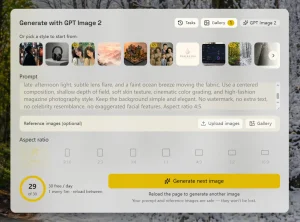
2. Describe the image in the prompt box. Include the subject, setting, exact text, style, color palette, and layout details that matter most.
3. Select the aspect ratio, model, visibility, rendering option, and art style before generation.

4. Click Generate and review the image options. Short prompts work for quick ideas. Detailed prompts help Ideogram handle text placement, object position, and design style more accurately.

5. Open the best image to view details, download it, remix it, or study related prompts.

6. Check your plan before building a repeat workflow. The free plan works for light testing. Private generation, PNG downloads, image upload, advanced editing, and larger monthly volume require a paid plan.

Pros
- Strong typography.
- Real free plan.
- Open-weight model.
- Useful design controls.
- API access.
Cons
- Limited free credits.
- Free JPG downloads only.
- No free private generation.
- Non-commercial model license.
Alternatives and Related Tools
- Top 10 AI Image Generators: Compare Ideogram AI with other image generators for quality, free access, and use cases.
- Ideogram 4 GitHub Repository: Local inference code, model setup, and developer documentation.
- Ideogram 4 on Hugging Face: Gated model weight access and available quantized model releases.
- Ideogram Developer API: Ideogram API endpoints, authentication, and integration details.
FAQs
Q: Does Ideogram require signup?
A: Ideogram requires an account for normal web app use, image generation history, plan access, and API key management.
Q: Is Ideogram good for text in images?
A: Ideogram is one of the better choices for AI images with readable text, especially posters, logos, cards, thumbnails, and design layouts.
Q: Can Ideogram create private images?
A: Private generation is not included on the free plan. Plus, Pro, and Team plans list private generation as an included feature.
Q: Is Ideogram 4.0 open source?
A: Ideogram 4.0 is available as an open-weight model with public code and Hugging Face model releases.
Changelog:
06/03/2026
- Ideogram 4.0 released with open weights, structured prompting, multilingual text rendering, layout control, editable elements, and 2K image generation.
08/22/2024
- Ideogram 2.0 released with updated styles, Design style improvements, color palettes, Ideogram Search, API beta access, and an iOS app.