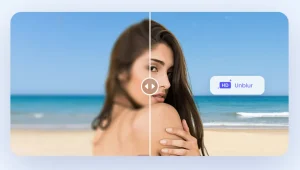
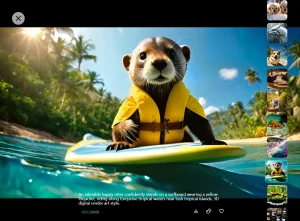
The AI Image Extender is a free image enhancement tool that uses AI to expand the borders of any image. It generates new visual content that blends naturally with the original and extends the scene.
This tool can be useful for photographers, designers, and social media enthusiasts who want to adjust image compositions or create wider panoramas. The AI handles complex tasks like extending partial objects and maintaining consistent lighting and perspective.
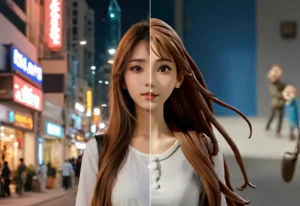
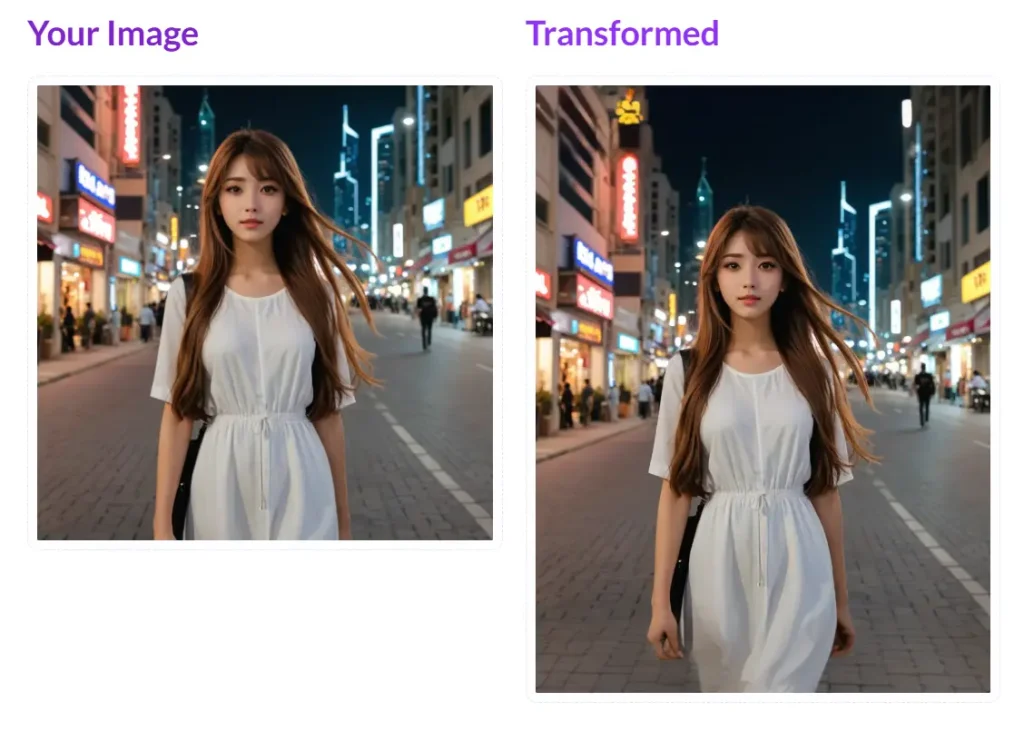
I tested this tool with an AI-generated image of a girl in a white dress walking on a city street at night. The tool expanded the background, adding more buildings and sky.
What impressed me most was how it intelligently generated the rest of the girl’s dress, which was cut off in the original image. The tool produced a complete and natural-looking image, just as if it had been captured that way originally.
How to use it:
1. Go to the AI Image Extender website and upload the image you want to expand. The tool offers flexible uploading options: drag & drop, pasting URLs, taking selfies, and connecting to cloud storage like Google Drive and Dropbox. Additionally, you can choose images from popular free stock photo websites like ShutterStock, iStock, Unsplash, and GettyImages.
2. Select the desired aspect ratio for your expanded image:
- Square (1:1)
- Standard Portrait (3:4)
- Phone Portrait (9:16)
- Landscape (16:9)
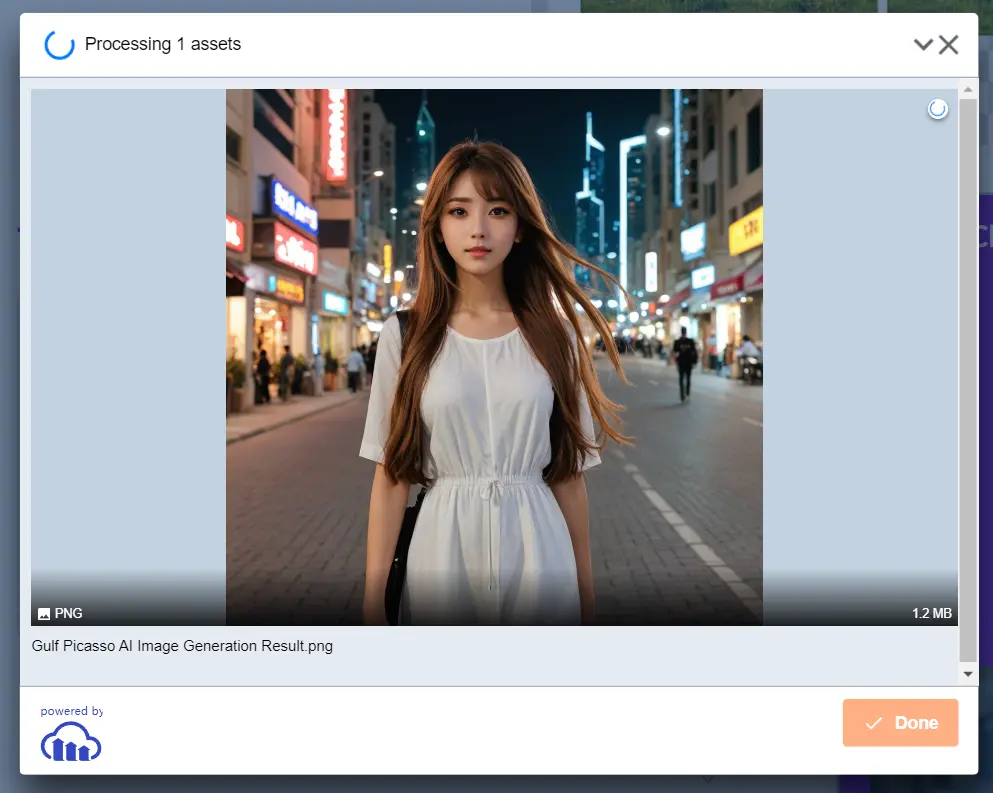
3. Click ‘Apply Transformation’. The AI will then process your image and expand it according to your chosen specifications in mere seconds.