Nanonets Resume Builder is a 100% free AI-powered resume creator that helps you build professional, ATS-optimized resumes without signup requirements or watermarks.
It uses advanced artificial intelligence to personalize resumes to specific job descriptions and provides chat-based editing for real-time modifications.
Features
- Chat-based editing – Make changes to your resume through conversational AI commands instead of manual formatting
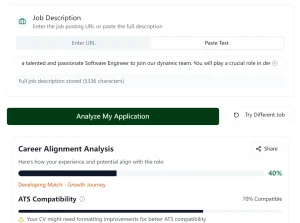
- Job description matching – AI analyzes job postings and suggests relevant keywords and phrases for your resume
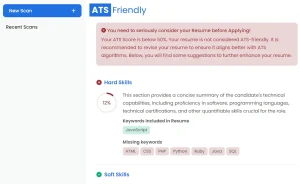
- ATS-friendly templates – Six template options designed to pass applicant tracking systems used by most companies
- No signup required – Start building immediately without creating accounts or providing personal information
- Watermark-free downloads – Export clean PDF files without branding or promotional text
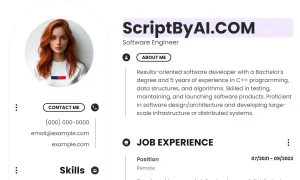
- Multiple template styles – Modern, Professional, Creative, Compact, Two-Column, and Minimalist options
- Real-time editing – See changes instantly as you modify content and formatting
- Quick action suggestions – Pre-built prompts for common resume improvements.
Use Cases
- Students or Recent Graduates: Often, your first resume is the hardest. This tool gives a good starting point with professional templates and AI guidance without costing anything.
- Career Changers: If you’re shifting industries, the AI’s ability to help tailor your experience to new types of roles can be a big help in reframing your skills.
- Active Job Seekers Applying to Multiple Roles: Customizing a resume for every single application is a pain. The AI tailoring feature here can speed that up significantly.
- Anyone Tired of “Freemium” Resume Builders: If you’ve ever built a resume only to find out you have to pay to download it or get rid of a watermark, this tool is a refreshing change. It’s genuinely free.
- Quick Resume Updates: Need to add a new skill or job quickly before an unexpected opportunity? Upload your current resume and make fast edits.
How to Use It
1. Visit the Nanonets Resume Builder website and drag your existing resume file into the upload area. The tool accepts common formats, including PDF and Word documents.
2. Select from six available templates based on your field and experience level. The Modern template works well for tech roles, Professional suits traditional industries, and Creative appeals to design and marketing positions. The Compact option fits extensive experience on one page.

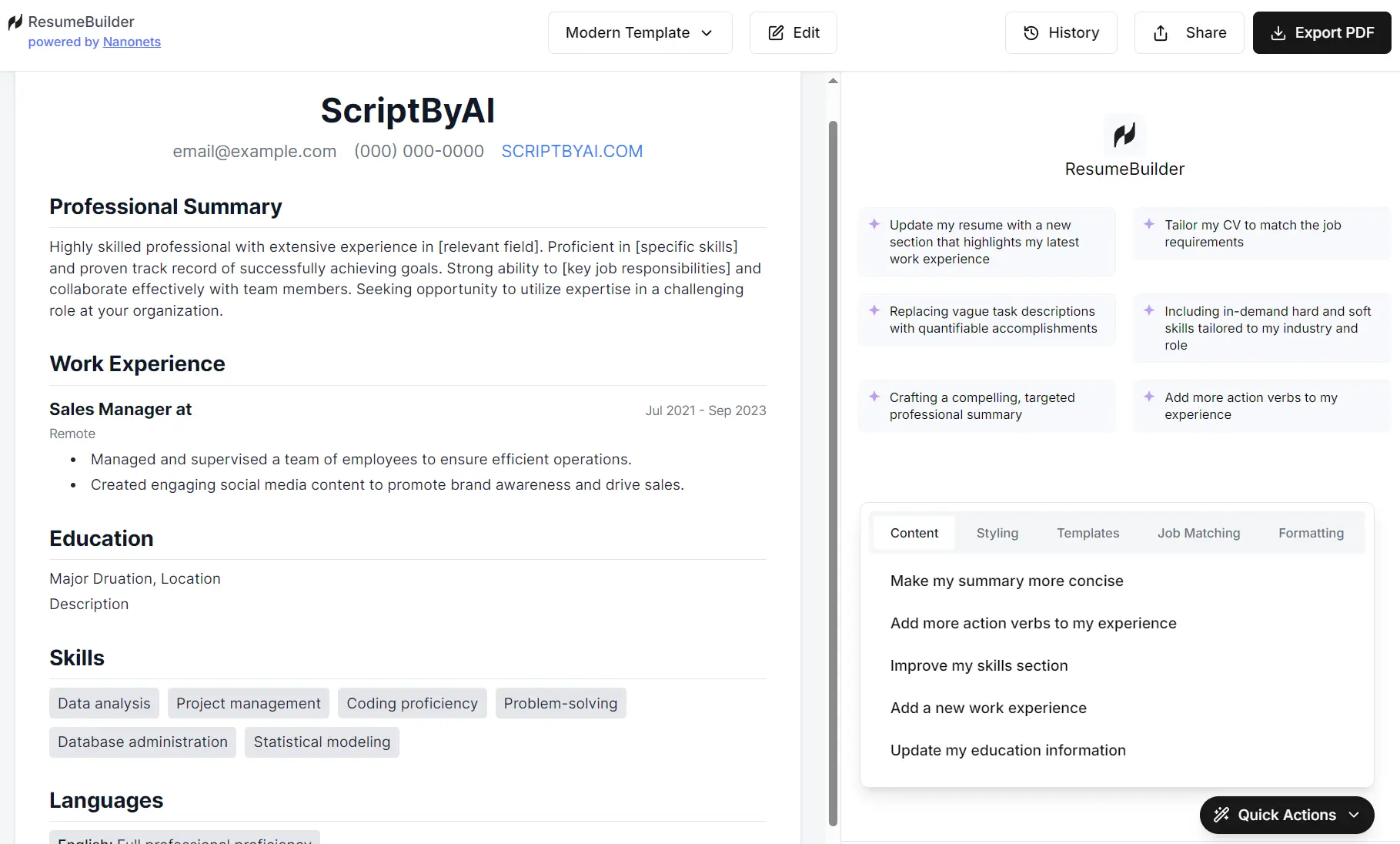
3. Use the chat interface to make specific improvements. Type commands like “Add more action verbs to my experience section” or “Make my summary more concise.” The AI processes these requests and updates your resume automatically.

4. Paste a job posting into the tool and let the AI suggest modifications. It identifies relevant keywords, skills, and experience to emphasize. This step significantly improves your chances of passing ATS screening.
5. There are also pre-set “Quick Actions” for common tasks. These are grouped into Content, Styling, Templates, Job Matching, and Formatting. For example, under ‘Content’, you can click ‘Make my summary more concise’. Under ‘Formatting’, there’s ‘Make my resume fit in single page A4 paper’.

Export the final version as a PDF file. The download is clean, professional, and ready to submit to employers without any platform branding.
Pros
- Completely free with no hidden costs – No premium tiers or paid features that limit functionality
- No account creation required – Start using immediately without providing email addresses or personal information
- Clean PDF exports – Downloads don’t include watermarks or promotional content
- ATS optimization built-in – Templates are designed to work with applicant tracking systems
- Job-specific customization – AI tailors content to match individual job requirements
- Fast processing – Changes appear instantly without waiting for system processing
- Multiple template options – Six different styles accommodate various industries and preferences
Cons
- Limited template variety – Six options may not cover all industry-specific formatting needs
- Basic design customization – Color and layout modifications are restricted compared to advanced design tools
- AI suggestions need review – Generated content requires human oversight to ensure accuracy and relevance
- No collaborative features – Can’t share drafts with mentors or career counselors for feedback
- Mobile experience limitations – Works best on desktop browsers with full-screen editing capabilities
Related Resources
- Harvard Career Services Resume Guide – Comprehensive guidelines for resume structure and content from Harvard’s career center
- ATS Resume Checker by Jobscan – Tool that analyzes how well your resume matches specific job descriptions and ATS requirements
- Action Verbs for Resumes by MIT – Extensive list of powerful verbs to replace weak language in job descriptions
- Resume Worded – Platform offering AI-powered resume feedback and improvement suggestions
- Canva Resume Templates – Additional visual resume templates for creative industries requiring more design flexibility
FAQs
Q: How does the AI know what changes to make to my resume?
A: The AI analyzes both your existing content and the job description you provide. It identifies gaps between your skills and job requirements, then suggests relevant keywords, phrases, and structural improvements. The system draws from patterns in successful resumes across different industries.
Q: Will my resume pass applicant tracking systems?
A: The templates are designed with ATS compatibility in mind, using standard formatting and clear section headers. However, ATS systems vary between companies, so it’s smart to test your resume with multiple ATS checkers before submitting applications.